
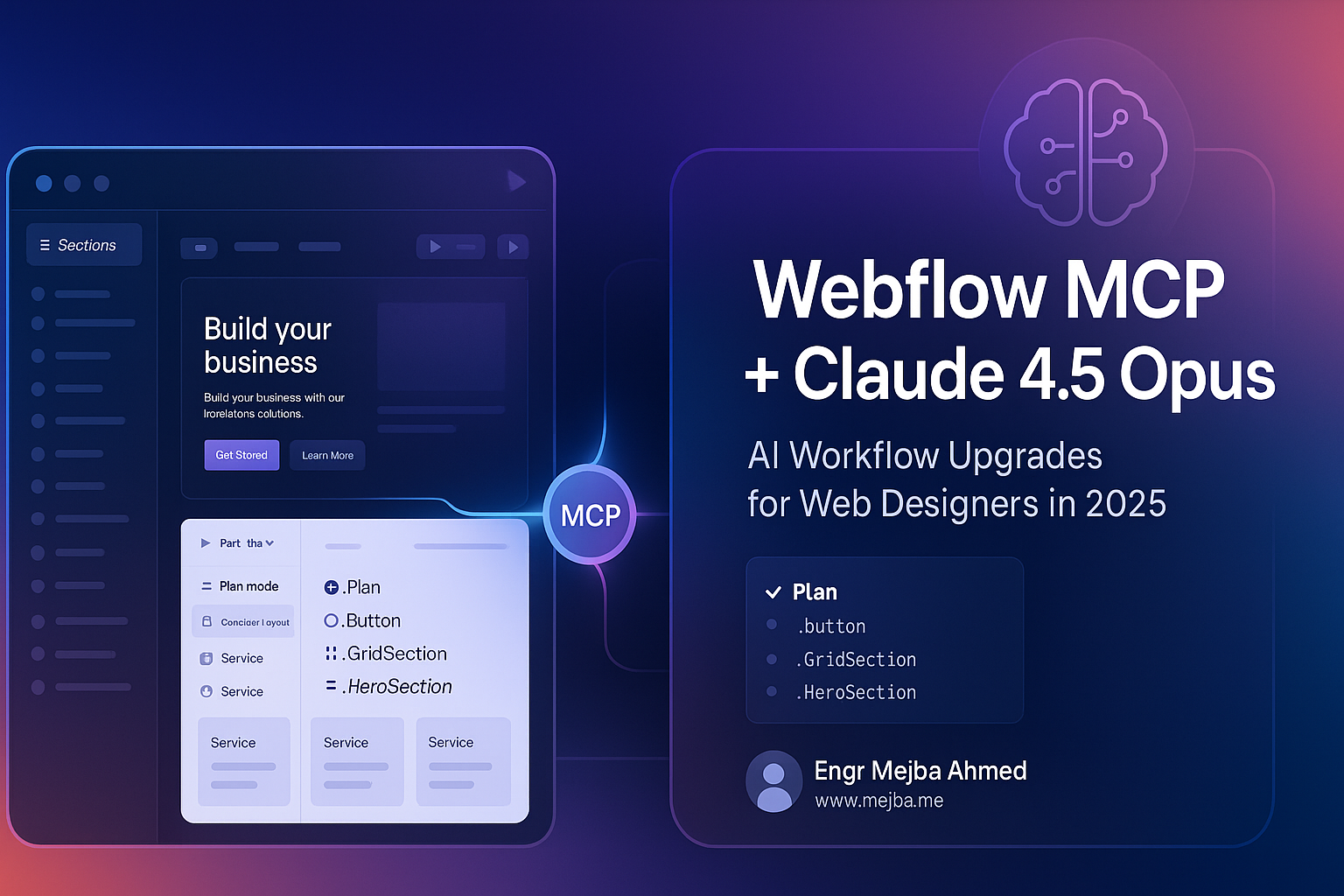
Webflow MCP + Claude 4.5 Opus: Major AI Improvements for Web Designers in 2025
The integration of AI into web design workflows has been a promise for years, but practical implementation often fell short. That changes now. The latest Webflow MCP (Machine Content Processor) combined with Claude 4.5 Opus delivers significant improvements that Webflow developers have been waiting for—and I tested it firsthand.
If you've struggled with designer's block, repetitive layout tasks, or the frustrating experience of AI tools stalling mid-process, this update addresses those pain points directly.
What Is Webflow MCP and Why Should You Care?
Webflow MCP is an AI-powered assistant that integrates directly with Webflow to automate content and design generation. Think of it as having an AI collaborator that can generate layouts, create class structures, and build page sections based on your prompts.
The concept is compelling: combine AI's speed in generating initial concepts with Webflow's granular control for refinement. You get the best of both worlds—rapid prototyping without sacrificing the ability to fine-tune every detail.
Previous versions had problems. They would frequently stall, produce incomplete outputs, and require constant babysitting. The experience was frustrating enough that many developers abandoned the tool entirely.
Claude 4.5 Opus Changes the Game
The release of Claude 4.5 Opus brought substantial improvements to Webflow MCP's capabilities. Here's what's different:
Stability improvements: The AI now completes complex page generation tasks without stalling—a major previous limitation that made the tool nearly unusable for anything beyond simple tasks.
Better context management: In testing, the system used context tokens efficiently, leaving approximately 11% remaining after generating a complete homepage. This means longer, more complex projects can be completed in single sessions.
Improved class naming: The generated class names are now genuinely useful, following logical naming conventions that make sense for handoff and future editing.
Real-World Test: Marketing Agency Homepage
To evaluate these improvements, I ran a practical test using the Client First clonable template as a base. The prompt was intentionally simple: "Make me a homepage for a marketing agency with some nice and unique branding."
The test ran in Plan Mode, where Claude 4.5 Opus first develops a design plan before executing. I also enabled the front-end design skill to boost design creativity.
What the AI Produced
The system generated a complete homepage branded as "Ignite," including:
- Custom color scheme (orange-based)
- Button hover effects
- Ghost text elements
- Multiple page sections
- Structured layout components
Most importantly, the AI didn't stall or get confused mid-process. This alone represents a massive improvement over previous versions.
What Still Needs Work
The output wasn't production-ready. Issues included:
- Residual template elements (navbar from the original template remained)
- Some unclear structural choices (text inside div blocks without clear purpose)
- Stylistic inconsistencies requiring manual cleanup
- Design polish that still needs human refinement
These limitations are important to understand. Webflow MCP with Claude 4.5 Opus is not a replacement for designers—it's a tool that accelerates specific parts of the workflow.
Practical Use Cases That Actually Work
Based on testing, here's where Webflow MCP delivers real value today:
Simple, Well-Scoped Tasks
The tool excels at repetitive, straightforward work:
- Creating grid layouts with empty card structures
- Generating boilerplate page sections
- Building consistent component frameworks
- Setting up initial page structures for manual refinement
Class Name Organization
For developers who struggle with naming conventions (or inherited messy projects), MCP can help clean up and standardize class names across a site. This alone saves hours of tedious work.
Overcoming Designer's Block
When you're staring at a blank canvas with no inspiration, Webflow MCP provides a starting point. Even if you modify everything it generates, having something to react to is more productive than starting from zero.
What Webflow MCP Can't Do Yet
Setting realistic expectations matters:
Complete end-to-end page designs: The output requires significant manual refinement before going live.
Complex semantic understanding: Some generated elements show the AI doesn't fully grasp the purpose of certain design patterns.
Brand-accurate work: While the AI can create branding concepts (like "Ignite"), this is more experimental than practical. Provide your own branding for real projects.
Replace designer judgment: The tool accelerates certain tasks but doesn't replicate the decision-making that makes designs effective.
How This Fits Into Webflow's AI Ecosystem
Webflow MCP isn't the only AI tool in Webflow's growing ecosystem. AppGen and other tools are emerging as part of broader efforts to integrate AI into no-code web development.
The trajectory is clear: these tools will continue improving rapidly. The current version of Webflow MCP is approximately 10 times better than earlier iterations—and that pace of improvement suggests the gap between AI assistance and production-ready output will narrow considerably.
Getting Started with Webflow MCP
If you're ready to test Webflow MCP with Claude 4.5 Opus:
- Ensure you have access to Claude 4.5 Opus through your Claude subscription
- Install the Webflow MCP integration
- Consider adding the front-end design skill for enhanced creativity
- Start with simple, well-defined prompts before attempting complex pages
- Plan for manual refinement time—the AI provides a starting point, not a finished product
The Bottom Line
Webflow MCP with Claude 4.5 Opus represents genuine progress in AI-assisted web design. The stability improvements alone make it worth revisiting if you'd written off the tool previously.
Current sweet spot: use it for simple, repetitive tasks and initial concept generation. Expect to refine the output manually. Don't expect production-ready pages from prompts alone.
The technology is evolving fast. What's "good enough for simple tasks" today will likely be "good enough for complex projects" within a few iterations. For Webflow developers, staying familiar with these tools positions you to leverage them as they mature.
🤝 Hire / Work with me:
- 🔗 Fiverr (custom builds, integrations, performance): fiverr.com/s/EgxYmWD
- 🌐 Mejba Personal Portfolio: mejba.me
- 🏢 Ramlit Limited: ramlit.com
- 🎨 ColorPark Creative Agency: colorpark.io
- 🛡 xCyberSecurity Global Services: xcybersecurity.io