SuperDesign AI with Gemini 3: The UI Design Tool That Makes Figma Feel Ancient
"Figma is the industry standard."
I've said that phrase more times than I can count. And for years, it was true. But something happened recently that made me question everything I thought I knew about UI design workflows.
I stumbled onto SuperDesign — an AI-powered design tool running on Gemini 3 — and honestly? I'm still processing what I saw.
The Problem with How We Design Today
Here's the thing about traditional design tools: they're built for a world where designers design and developers develop. You create something beautiful in Figma, then spend hours translating that into actual code. Or you hand it off to a developer who recreates your vision from scratch, pixel by pixel.
It works. But it's slow. And in 2025, "slow" feels like a bug, not a feature.
I'd been hearing about "vibe coding" and AI design tools for months. Most of them felt... off. The outputs looked generic. The AI didn't really understand what made good design good.
Then I saw SuperDesign actually work.
What Makes SuperDesign Different
SuperDesign isn't just another AI tool slapped onto a canvas. It's built on Gemini 3, which has something most AI design tools lack: genuine visual context understanding.
The tool lives at app.superdesign.dev and it's still in beta. But even in this early state, it does things I didn't think were possible yet.
Two main modes:
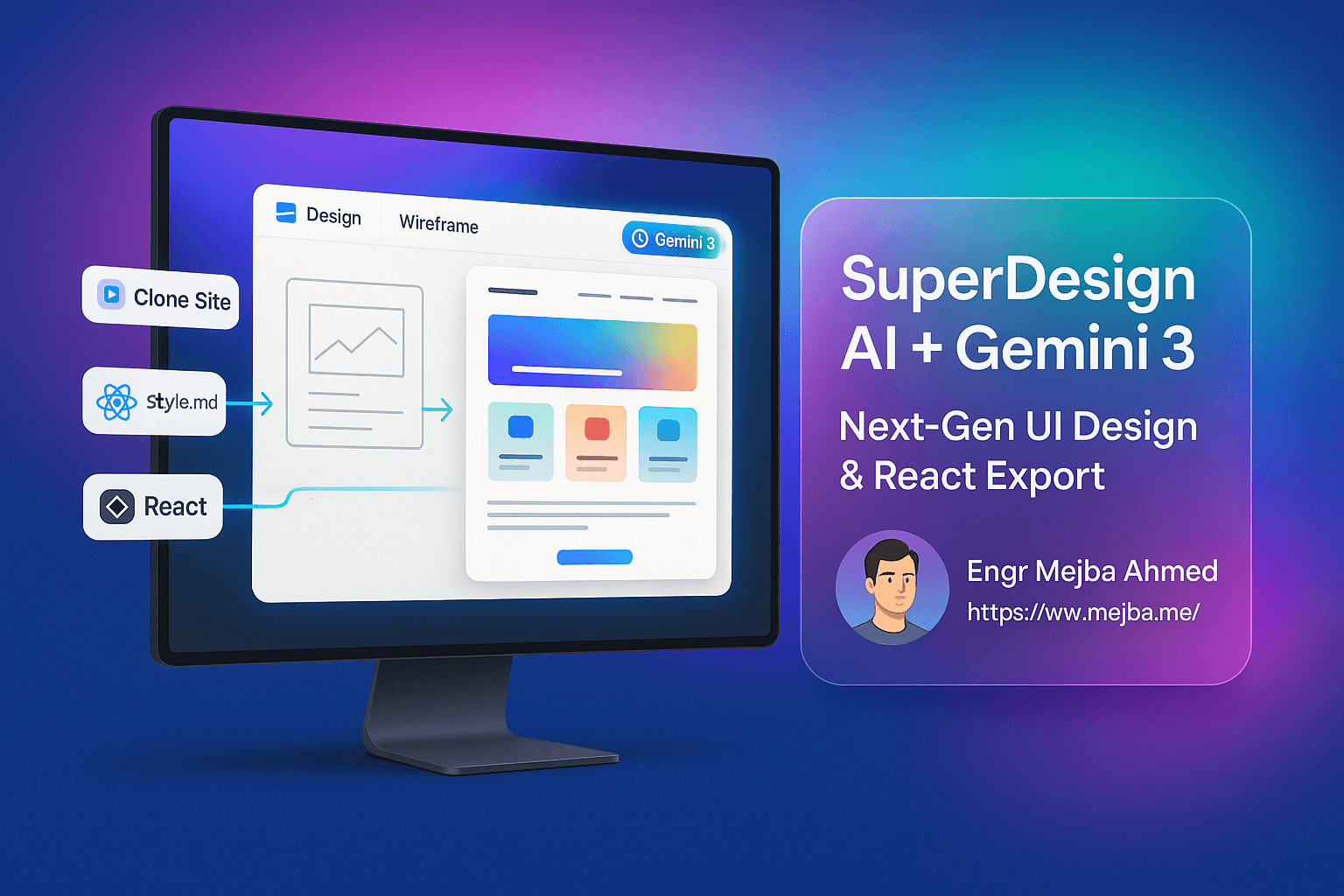
- Design mode: Generate UI from scratch or modify existing designs through natural language
- Wireframe mode: Sketch rough shapes, and the AI converts them into polished components
That second one blew my mind. You literally draw a rough rectangle with some squiggly lines — "this is a menu" — and it spits out a production-ready navigation component that matches your brand style.
The Clone-and-Modify Workflow
Here's where it gets interesting.
SuperDesign has a Chrome extension that lets you clone any website into an editable React project. Not just a screenshot. An actual, modifiable design with real assets and structure.
I watched someone clone a site from curated.design — clean minimal aesthetic, lots of white space — and within seconds it was loaded in SuperDesign's canvas. Then they typed: "Add a promotional banner at the top that matches the brand style."
The AI generated the banner. Integrated it seamlessly. When it overlapped with the navigation, they just asked the AI to fix it.
No manual adjustments. No pixel pushing. Just conversation.
From Design to Real Code
This is the part that matters for developers.
You can export directly to:
- Cursor
- Claude Code
- VS Code
The export isn't some pseudo-code garbage. It's a production-grade React project. Real components. Actual CSS. Something you can run and build upon.
There's also a style.md export that captures all your design tokens and style definitions in Markdown. Drop that into your project, and your AI coding assistant knows exactly what styles to use.
The design-to-code gap that's plagued our industry for years? SuperDesign just... closes it.
What This Means for Your Workflow
I'm not saying Figma is dead. It's not.
But I am saying that for rapid prototyping, for vibe coding, for getting from idea to working UI in hours instead of days — SuperDesign represents a real shift.
Product managers can sketch ideas and get real designs. Designers can iterate faster than ever. Developers get code they can actually use, not just pretty pictures to recreate.
The tool handles light and dark modes, device previews, version history, and screenshot annotations. You can annotate a screenshot with notes and use those annotations as context for AI prompts.
It's early. It's beta. Some features are rough.
But the core workflow works. And it works well.
The Honest Assessment
Would I use SuperDesign for every project? Not yet. Complex design systems with intricate component libraries still need traditional tooling and human oversight.
But for:
- Rapid prototyping
- Cloning and improving existing sites
- Quick wireframe-to-UI conversion
- Getting a working React starting point fast
It's genuinely impressive. The Gemini 3 model produces outputs with better aesthetics and contextual accuracy than I've seen from any other AI design tool.
Try It Yourself
Here's what I'd suggest:
- Install the Chrome extension
- Pick a website you like
- Clone it into SuperDesign
- Ask the AI to add something — a banner, a new section, a component
- Export to your IDE
See what happens. I think you'll be surprised.
The tools we use are changing faster than our mental models can keep up. That's not a threat — it's an opportunity.
You're not being replaced by AI design tools. You're being given leverage you never had before. The designers and developers who figure out how to use that leverage? They're the ones who'll be building the next generation of products.
The design-development divide isn't going away. But it's getting a lot smaller. And tools like SuperDesign are leading the way.
🤝 Hire / Work with me:
- 🔗 Fiverr (custom builds, integrations, performance): fiverr.com/s/EgxYmWD
- 🌐 Mejba Personal Portfolio: mejba.me
- 🏢 Ramlit Limited: ramlit.com
- 🎨 ColorPark Creative Agency: colorpark.io
- 🛡 xCyberSecurity Global Services: xcybersecurity.io