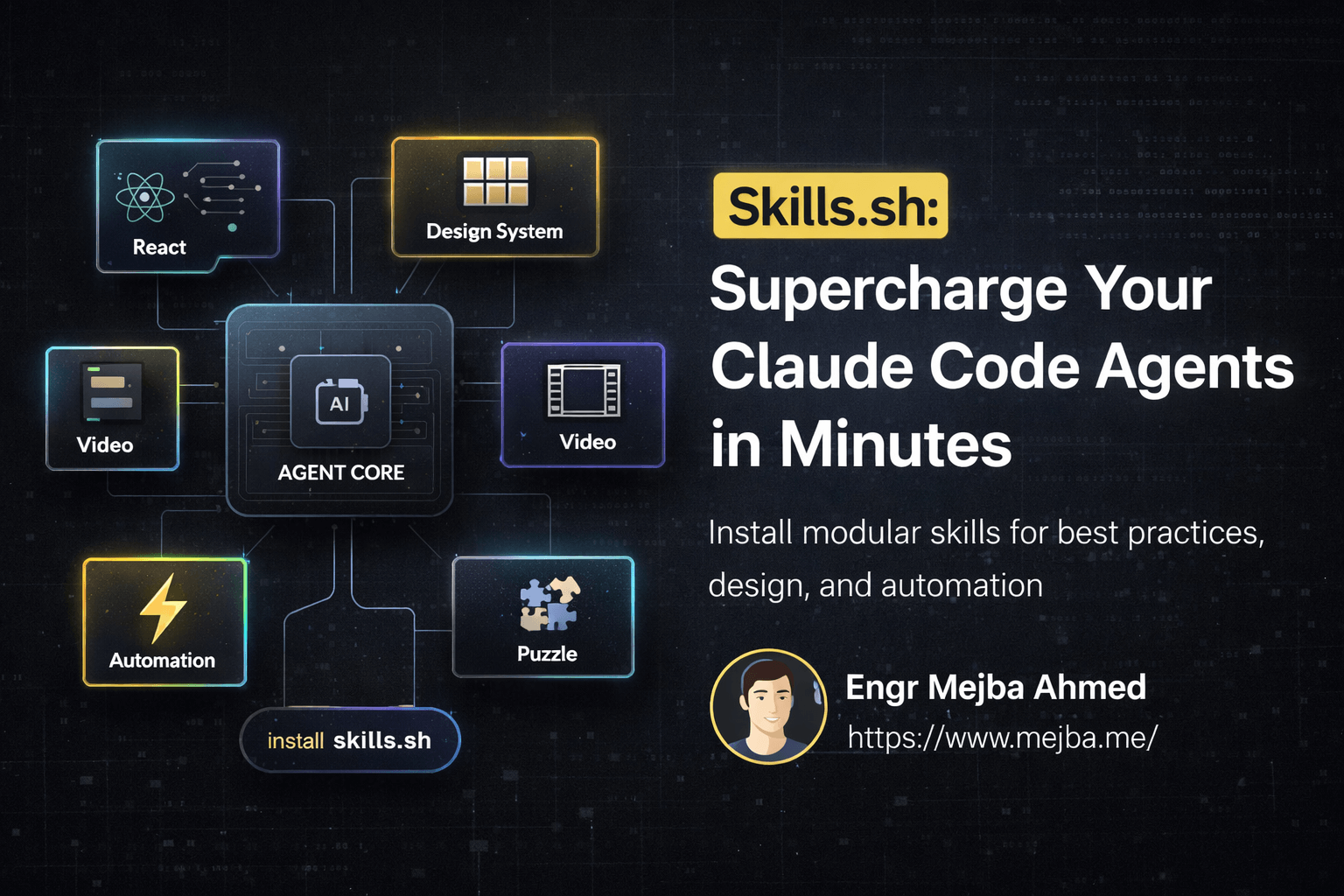
Skills.sh: Supercharge Your Claude Code Agents in Minutes
I've been deep in the AI agent rabbit hole for months now, watching the ecosystem evolve from simple chatbots to genuinely useful coding partners. But there's been one frustrating limitation: getting Claude to consistently follow project-specific conventions and best practices. You could paste guidelines into the system prompt, but that's clunky. You could hope the AI remembers your preferences, but context windows have limits.
Then I discovered skills.sh, and everything clicked.
Vercel built something that finally addresses this gap — an open AI agent ecosystem where you can install, share, and manage modular skills that genuinely level up what your AI agents can do. One command, and suddenly Claude understands your design system. Another command, and it can edit videos using Remotion. This isn't hype. I've tested it, and the results surprised me.
The Problem with "Smart" AI That Doesn't Know Your Stack
Every developer using AI assistants has hit this wall. You ask Claude to review your React component, and it gives you generic advice that doesn't match your team's conventions. You want it to follow Vercel's deployment best practices, but it suggests patterns from three years ago. The AI is intelligent, but it's not contextual.
The traditional solutions are painful:
Massive system prompts. You paste 50 pages of documentation into the context, watch your tokens evaporate, and still get inconsistent results.
Repeated corrections. "No, we use Tailwind, not CSS modules." "Actually, we prefer named exports." "That's not how we structure hooks." Every conversation becomes a training session.
Custom tooling. You build bespoke integrations, maintain them across Claude updates, and spend more time on infrastructure than actual coding.
What if agents could learn domain-specific knowledge as easily as npm packages? That's exactly what skills.sh delivers.
What Skills.sh Actually Is
Skills.sh is a marketplace and management system for AI agent capabilities. Think of it like npm, but instead of JavaScript packages, you're installing knowledge and behavior patterns for Claude Code.
Each skill is a self-contained module that teaches your AI agent new competencies. These aren't simple prompt templates — they're structured instructions with examples, edge case handling, and contextual awareness.
The architecture is elegant:
- Project-scoped installation. Skills live in your repository, not globally. Different projects can have different skill sets.
- Single command setup.
npx skills add <skill-repo>and you're done. - Automatic recognition. Claude Code detects installed skills and applies them contextually.
- Community-driven. Anyone can create and share skills, building a growing ecosystem of specialized capabilities.
Vercel launched with several official skills, but the real power comes from community contributions. Web design guidelines, framework-specific best practices, automation workflows — the catalog keeps expanding.
Installing Your First Skills: React and Web Design
Let me walk through a practical example. I wanted Claude to help refine a landing page following Vercel's React best practices and their web design guidelines. Two skills, one goal.
First, the installation:
# Install Vercel's React best practices skill
npx skills add vercel/react-best-practices

# Install web design guidelines skill
npx skills add vercel/web-design-guidelines
That's it. No configuration files to edit. No environment variables to set. The skills are now part of your project.
When I opened Claude Code and asked it to explore the codebase, something different happened. Instead of generic suggestions, Claude specifically referenced the installed skills. It understood that this project should follow Vercel's patterns.
I gave it a simple prompt: "Review this landing page and apply improvements based on the installed skills. Add dark mode and smooth animations."
What followed was genuinely impressive. Claude didn't just add a dark mode toggle — it implemented a complete theme system following the design guidelines. The animations weren't random flourishes; they followed accessibility best practices and timing curves specified in the skills.
The dark mode even persisted across different routes (pricing, blog, signin) without me specifying that requirement. The skill had taught Claude that theme persistence is expected behavior.
Were the changes perfect? No. Some timing adjustments were needed. But the baseline quality was dramatically higher than what I'd get from a skill-less Claude. The difference between "AI that codes" and "AI that codes like someone who read the documentation."
The Remotion Skill: AI-Powered Video Editing
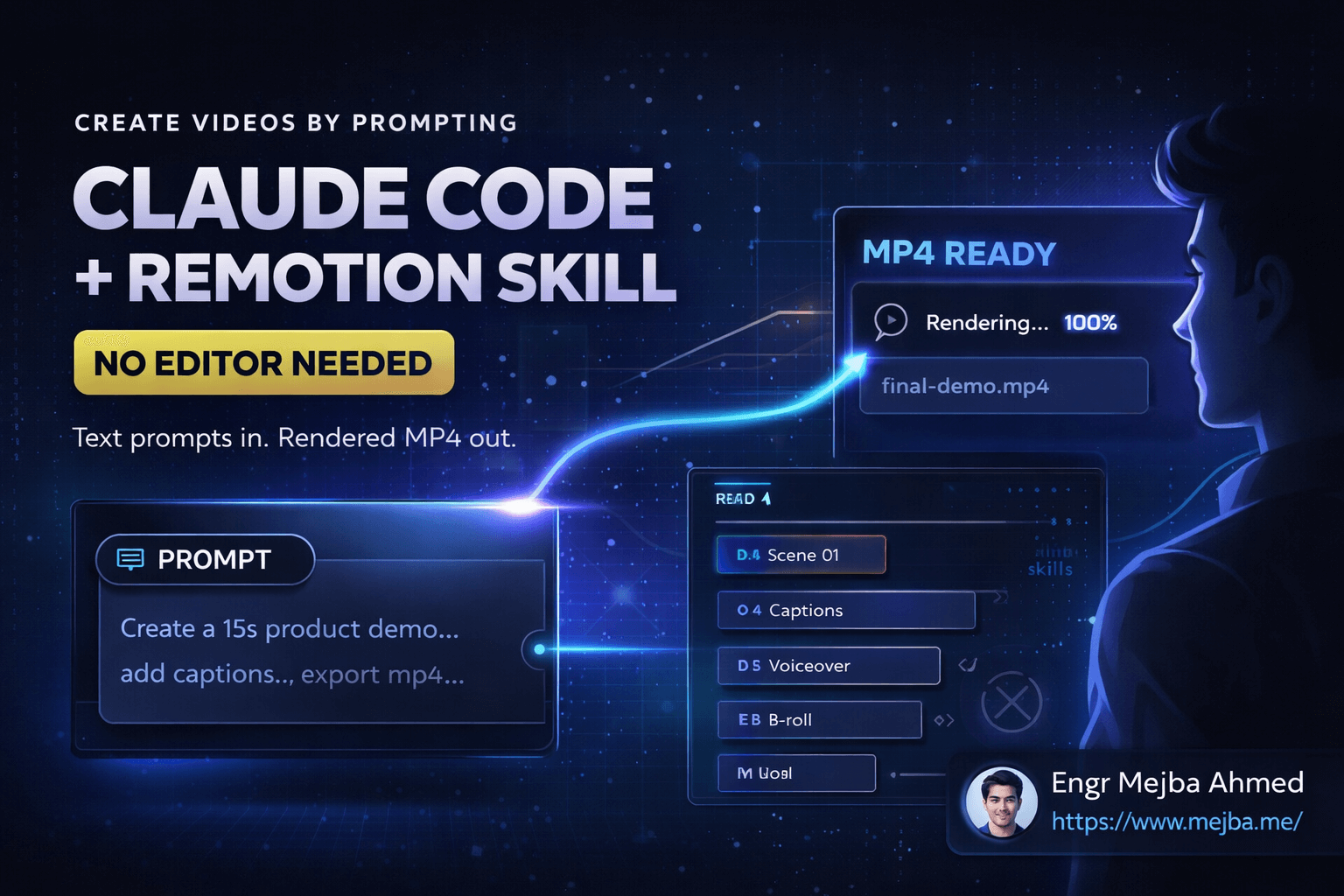
Here's where things got wild. Skills.sh includes a Remotion skill that enables video editing through code. If you're not familiar with Remotion, it's a framework that lets you create videos programmatically using React components.
The Remotion skill combines multiple tools:
- Remotion for video composition and rendering
- FFmpeg for media processing
- Whisper for speech-to-text transcription
This stack enables workflows that would normally require dedicated video editing software and hours of manual work.
I tested this with a straightforward project: two video clips that needed to be combined. One was a talking-head introduction, the other was B-roll footage. The goal was automatic caption generation and intelligent B-roll insertion.
The workflow Claude executed:
# Extract audio from the main video
ffmpeg -i main-video.mp4 -vn -acodec pcm_s16le audio.wav

# Transcribe using Whisper
whisper audio.wav --model medium --output_format srt

# The skill then uses the transcription to:
# 1. Generate styled captions
# 2. Find natural insertion points for B-roll
# 3. Compose the final video with Remotion
Claude analyzed the transcript, identified moments where B-roll would enhance engagement (topic transitions, emphasized points), and generated a Remotion composition that handled the timing automatically.
The first render worked. Captions appeared synced with speech. B-roll clips inserted at logical points. Not Hollywood quality, but functional — and created without me touching a video editor.
Iterating on Video Quality
The initial output needed refinement. Timing on some B-roll transitions felt abrupt, and the video lacked energy.
I asked Claude to make it more engaging by adding sound effects. Six sound effects later — whooshes for transitions, subtle audio cues for emphasis — the video had significantly more polish.
// Example from the generated Remotion composition
import { Audio, useCurrentFrame } from 'remotion';

export const TransitionEffect = () => {
  const frame = useCurrentFrame();

  return (
    <Audio
      src={staticFile('whoosh.mp3')}
      startFrom={0}
      volume={(f) =>
        f < 10 ? f / 10 : f > 20 ? (30 - f) / 10 : 1
      }
    />
  );
};
The skill taught Claude how to structure Remotion compositions properly, handle audio timing, and create smooth transitions. Without the skill, I'd have spent an hour explaining Remotion's architecture before getting any useful output.
Is this replacing professional video editors? No. But for developers who need quick video content — tutorials, demos, social clips — this workflow eliminates the editing software learning curve entirely.
Creating Your Own Skills
The skills ecosystem isn't just for consumption. Creating skills is straightforward, and this is where the real community value emerges.
A skill is essentially a structured markdown file with specific sections:
# Skill Name

## Purpose
What this skill teaches the AI agent.

## Core Principles
The fundamental rules and patterns to follow.

## Examples
Concrete demonstrations of correct behavior.

## Edge Cases
How to handle unusual situations.

## Anti-Patterns
What to avoid and why.
The format prioritizes practical examples over abstract descriptions. Claude learns better from "do this, not that" patterns than from theoretical explanations.
I've started creating skills for my own projects:
- Laravel API conventions our team follows
- Tailwind component patterns we've standardized
- Error handling strategies across our microservices
Each skill takes maybe an hour to write properly, but saves countless corrections over every conversation.
The Agent Marketplace Future
What excites me most about skills.sh isn't the current capabilities — it's the trajectory. We're watching the emergence of an agent marketplace, and the implications are significant.
Consider what happens when skills reach critical mass:
Domain-specific agents become trivial. Want a Claude that understands healthcare compliance? Install HIPAA skills. Need one that follows financial regulations? SOC 2 skills. The barrier to specialized AI drops dramatically.
Institutional knowledge becomes portable. Teams can encode their best practices as skills, onboard new developers faster, and maintain consistency across AI-assisted work.
Quality compounds. Popular skills get refined by community feedback. The React best practices skill improves as developers report edge cases and contribute fixes.
By 2026, I expect agent marketplaces to be as common as package managers. Skills.sh is early, but the foundation is solid.
Practical Implementation Tips
After weeks of using skills.sh, here's what I've learned about getting the most from the system:
Start with official skills. Vercel's maintained skills are well-structured and provide good templates for understanding the format. Install react-best-practices even if you're not building React — study how it's organized.
Keep skills focused. A skill that tries to cover everything will teach nothing well. Better to have five narrow skills than one sprawling guide.
Include negative examples. Claude learns effectively from "don't do this" patterns. Show the wrong approach, explain why it's wrong, then show the correct alternative.
Version your skills. As your conventions evolve, your skills should too. Treat them like documentation — because they are documentation that actually gets used.
Test incrementally. Install one skill, verify Claude applies it correctly, then add another. Debugging skill conflicts is easier when you know which addition caused issues.
# Good: Incremental skill installation
npx skills add my-org/typescript-conventions
# Test with a few prompts
npx skills add my-org/testing-patterns
# Test again

# Avoid: Installing everything at once
npx skills add my-org/typescript-conventions my-org/testing-patterns my-org/api-design my-org/security-guidelines
# Now debugging is painful if something breaks
What Skills.sh Gets Right
Several design decisions make skills.sh work where similar approaches have failed:
Project-level scoping. Global skills would create conflicts and confusion. By keeping skills per-project, different codebases can have different conventions without interference.
One-command installation. No setup friction means developers actually use it. Every additional configuration step loses a percentage of users.
Transparent operation. You can read the skill files, understand what Claude is learning, and modify them directly. No black box behavior.
Community extensibility. Vercel didn't try to create every skill themselves. They built the infrastructure and let the ecosystem flourish.
Current Limitations
The system isn't perfect. Some honest limitations:
Skill quality varies. Community contributions range from excellent to barely functional. There's no curation or verification system yet.
Context limits still apply. Skills consume tokens. Install too many, and you're back to the context window problem you were trying to solve.
Learning curve for creation. While using skills is simple, writing effective ones requires understanding how Claude processes instructions. The documentation could be more comprehensive.
No skill composition. Skills don't have dependency systems. If skill A builds on concepts from skill B, you have to manually ensure both are installed in the right order.
These are solvable problems, and I expect improvements as the ecosystem matures.
Getting Started Today
If you're using Claude Code and haven't tried skills.sh yet, here's your starting point:
-
Pick a project where you have established conventions Claude struggles to follow.
-
Install a relevant skill from the marketplace. Start with something small.
npx skills add vercel/web-design-guidelines
-
Test with specific prompts that previously required correction. See if the skill improves baseline output.
-
Evaluate the difference honestly. If it helps, explore more skills. If not, maybe your use case needs a custom skill.
-
Consider contributing if you develop expertise in a specific domain. The community benefits from specialized knowledge.
The best time to start building muscle memory with these tools is before they become industry standard. And based on adoption patterns I'm seeing, that standardization is coming fast.
The Bigger Picture
Skills.sh represents something beyond just "better prompts." It's a shift in how we think about AI customization.
For years, the model was: train a general AI, hope it works for your specific case, prompt-engineer around the gaps. Skills.sh inverts this: start with a capable foundation, then modularly add exactly the specialized knowledge you need.
This pattern will spread beyond coding assistants. Customer service agents that can install industry-specific skills. Writing assistants that learn your brand voice through skill files. Design tools that understand your component library.
The agents of 2026 won't be one-size-fits-all. They'll be customized collections of skills, assembled for specific roles and continuously refined based on performance.
Skills.sh is early infrastructure for that future. Worth learning now.
Let's Work Together
Looking to build AI systems, automate workflows, or scale your tech infrastructure? I'd love to help.
- Fiverr (custom builds & integrations): fiverr.com/s/EgxYmWD
- Portfolio: mejba.me
- Ramlit Limited (enterprise solutions): ramlit.com
- ColorPark (design & branding): colorpark.io
- xCyberSecurity (security services): xcybersecurity.io