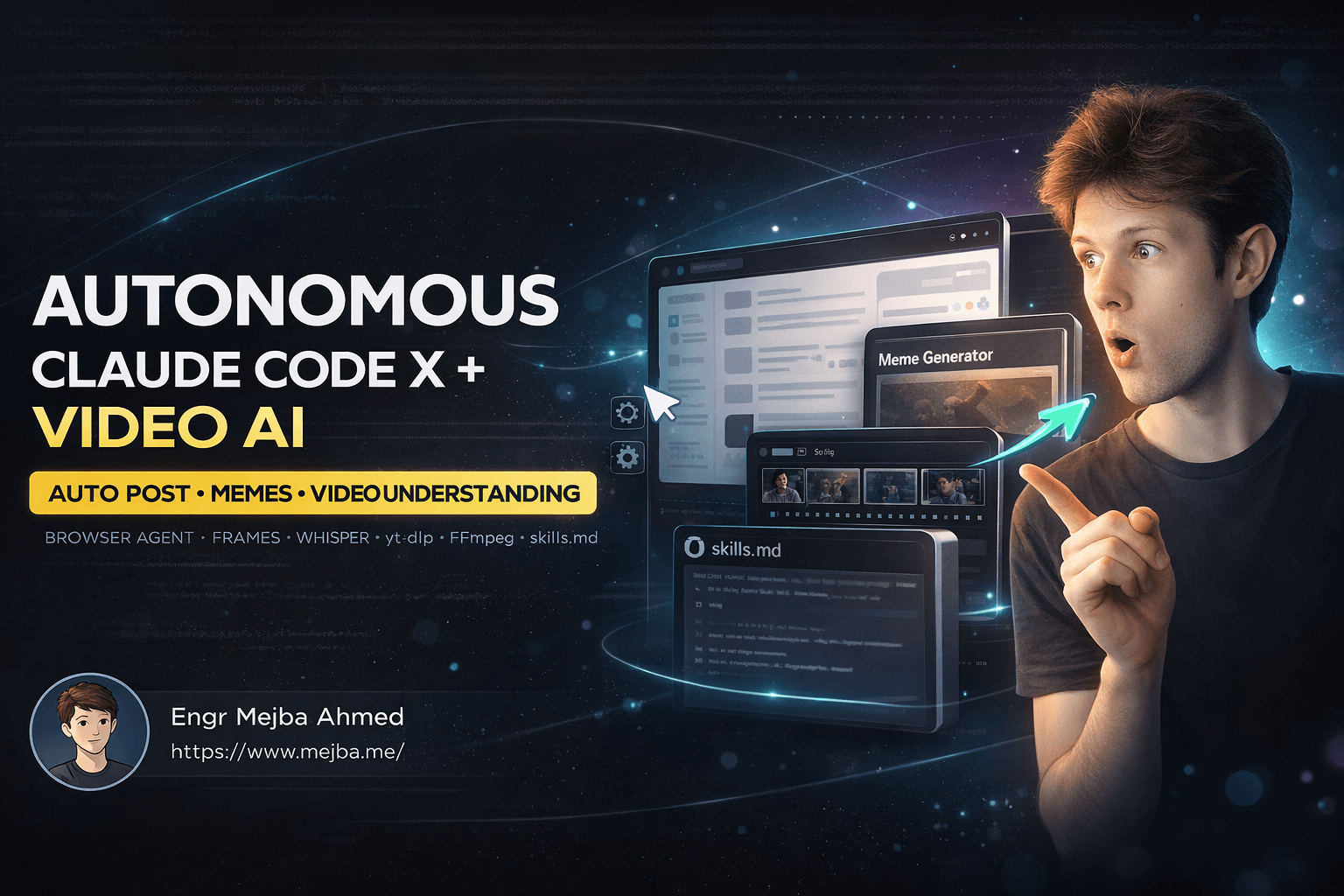
Training Claude Code for Autonomous X Posting & Video AI
I spent weeks teaching an AI agent to scroll through X, analyze trending posts, generate memes, and post them autonomously. Then I pushed it further—teaching it to understand videos by extracting frames and transcribing audio. The result? A self-improving system that learns new skills and stores them for future use.
This isn't science fiction. It's Claude Code connected to a Chrome browser, executing complex workflows without human intervention. And the best part? Once you nail a workflow, you document it in a skills file and the agent can repeat it reliably every single time.
Let me walk you through exactly how this works—from the initial meme-posting experiments to building a full video understanding pipeline using yt-dlp, FFmpeg, and Whisper.
The Problem with Manual Social Media Workflows
Anyone managing a presence on X knows the grind. You search for trending topics, analyze what's performing, create content that fits the conversation, and post at the right time. Rinse and repeat. Daily.
I wanted to automate the entire research-to-posting pipeline. Not just scheduling—actual autonomous decision-making. The agent should understand what's trending, figure out the sentiment, create relevant content, and publish it.
The challenge isn't just technical. It's about building a system that can:
- Navigate a dynamic web interface without breaking
- Make contextual decisions based on what it sees
- Generate multimedia content on the fly
- Handle edge cases gracefully
- Learn from successful runs and improve
Most automation tools give you rigid workflows. Claude Code gives you an agent that reasons through problems. That distinction changes everything.
Setting Up Claude Code for Browser Automation
The foundation is connecting Claude Code to a Chrome browser instance. This gives the agent eyes and hands—it can see web pages and interact with them just like you would.
My setup involves running Chrome with remote debugging enabled, then pointing Claude Code to that browser session. The agent receives visual information about the page and can issue commands to click, type, scroll, and navigate.
Here's what the initial workflow looked like for X automation:
# Launch Chrome with debugging port
/Applications/Google\ Chrome.app/Contents/MacOS/Google\ Chrome \
  --remote-debugging-port=9222 \
  --user-data-dir=/tmp/chrome-debug
Once the browser is running, Claude Code connects and gains full control. I authenticate manually once, and the agent can then operate within my authenticated session.
The first task I gave it: search X for top posts about "Claude Code" from the last 24 hours, analyze the comments, create a relevant meme, and post it.
The Meme Creation Workflow
Breaking down the meme workflow reveals the complexity hiding behind a simple goal. The agent needs to:
Search and Filter: Navigate to X search, enter the query, switch from "Top" to "Latest" if needed, and scan results.
Analyze Sentiment: Read through comments and replies to understand what people are saying. Are they excited? Frustrated? Making jokes?
Generate Content: Based on the sentiment analysis, create a meme that resonates. This involves calling an image generation tool with a carefully crafted prompt.
Compose and Post: Write accompanying text that adds context to the meme, then navigate the posting interface to publish.
Each step can fail. The search might return no results. The image generation might produce something off-brand. The posting interface might change. Claude Code handles these by reasoning through alternatives—switching search modes, regenerating images, or adapting to UI changes.
# Simplified workflow structure (actual implementation is more complex)
workflow = {
    "search": {
        "query": "Claude Code",
        "time_filter": "24h",
        "result_type": "top"  # fallback to "latest" if needed
    },
    "analyze": {
        "sample_size": 10,
        "extract": ["sentiment", "themes", "humor_style"]
    },
    "generate": {
        "type": "meme",
        "style": "match_sentiment",
        "tool": "image_generator"
    },
    "post": {
        "include_media": True,
        "text_style": "conversational"
    }
}
The beauty of this approach is iterative refinement. First run might fail at step two. I adjust the instructions, try again. Eventually, the workflow succeeds. Then I document everything in a skills file.
Building a Skills Documentation System
Every successful workflow gets recorded in skills.md. This file becomes Claude Code's playbook—a growing library of capabilities it can deploy on demand.
The skills file follows a specific structure:
# Claude Code Skills

## X Automation

### Skill: Search and Analyze Trending Posts
**Trigger:** "Find trending posts about [topic]"
**Steps:**
1. Navigate to X search
2. Enter search query
3. Filter by time range
4. Extract post content and engagement metrics
5. Analyze sentiment across sample
6. Return summary with top posts

### Skill: Generate and Post Meme
**Trigger:** "Create meme about [topic] and post to X"
**Steps:**
1. Execute "Search and Analyze" skill
2. Extract dominant sentiment and themes
3. Generate meme image with image_tool
4. Navigate to compose
5. Upload image
6. Write contextual caption
7. Post and verify
This documentation serves multiple purposes. It gives Claude Code explicit instructions for reliable execution. It helps me track what capabilities exist. And it creates a potential for sharing—which led to an interesting experiment.
The Video Understanding Challenge
Text posts are straightforward. Videos are where things get interesting.
X is increasingly video-heavy. If Claude Code encounters a video post, it can't just read the caption. It needs to understand what's actually in the video to engage meaningfully.
I built two parallel workflows: one for silent videos, one for videos with audio. The system automatically detects which type it's dealing with and routes accordingly.
Detecting Audio Presence
First step: download the video using yt-dlp, then probe it with FFmpeg to check for audio tracks.
# Download video from X post
yt-dlp -o "video.mp4" "https://x.com/user/status/..."

# Check for audio tracks
ffprobe -v error -select_streams a -show_entries stream=codec_type \
  -of default=noprint_wrappers=1 video.mp4
If FFprobe returns nothing, the video is silent. If it returns codec_type=audio, we have sound to work with.
Processing Silent Videos
For videos without audio, understanding comes from visual analysis. Claude Code extracts frames at regular intervals—typically every 3-5 seconds—and analyzes each frame as an image.
# Extract frames every 5 seconds
ffmpeg -i video.mp4 -vf "fps=1/5" frame_%04d.jpg
Each extracted frame goes through image analysis. The agent describes what's happening, identifies text on screen, recognizes objects and actions. These descriptions get compiled into a narrative understanding of the video's content.
# Frame analysis pseudocode
frames = extract_frames(video_path, interval=5)
descriptions = []

for frame in frames:
    description = analyze_image(frame)
    descriptions.append({
        "timestamp": frame.timestamp,
        "content": description
    })

video_summary = synthesize_descriptions(descriptions)
This approach works surprisingly well for tutorials, demonstrations, and visual content. The agent understands the progression of events even without hearing anything.
Processing Videos with Audio
Videos containing speech require a different approach. The audio track often carries the primary information—a person speaking, music with lyrics, narration explaining visuals.
The workflow extracts the audio track, runs it through Whisper for transcription, then discards the audio file while keeping the text.
# Extract audio track as MP3
ffmpeg -i video.mp4 -vn -acodec libmp3lame audio.mp3

# Transcribe with Whisper (local model)
whisper audio.mp3 --model base --output_format txt
Running Whisper locally means no API costs and no data leaving my machine. The base model handles most content well; I upgrade to medium or large for challenging audio.
The transcription gives Claude Code the full textual content of the video. Combined with a few key frame extractions, it builds comprehensive understanding of what the video communicates.
Generating Output from Video Analysis
After processing, Claude Code generates an HTML summary page displaying key takeaways. This visualization helps me verify the agent understood correctly and provides a reference for future interactions.
<!DOCTYPE html>
<html>
<head>
    <title>Video Analysis Summary</title>
    <style>
        body { font-family: system-ui; max-width: 800px; margin: 2rem auto; }
        .takeaway { background: #f0f0f0; padding: 1rem; margin: 1rem 0; }
    </style>
</head>
<body>
    <h1>Key Takeaways</h1>
    <div class="takeaway">
        <h3>Main Topic</h3>
        <p><!-- Agent-generated content --></p>
    </div>
    <!-- More takeaways -->
</body>
</html>
The agent automatically opens this page in the browser after generation. One command to analyze a video, and I get a structured summary without manually watching anything.
Integrating Open Source Tools
The video processing pipeline relies entirely on open source software. This matters for several reasons:
Cost: No per-minute transcription fees. Process as many videos as your hardware allows.
Privacy: Everything runs locally. Video content never leaves your machine.
Reliability: No API rate limits or service outages to worry about.
Customization: Full control over model selection, output formats, and processing parameters.
Here's the complete toolchain:
| Tool | Purpose | Why I Chose It |
|---|---|---|
| yt-dlp | Video downloading | Works with X, YouTube, and hundreds of other sites |
| FFmpeg | Audio/video processing | Industry standard, handles everything |
| Whisper | Speech-to-text | Best open source transcription, runs locally |
Installation is straightforward on most systems:
# macOS with Homebrew
brew install yt-dlp ffmpeg

# Whisper via pip
pip install openai-whisper
Claude Code learns to invoke these tools through terminal commands. The skills file documents exact command patterns, so the agent doesn't need to figure them out each time.
The Iterative Training Method
Training Claude Code isn't like training a traditional ML model. There's no dataset, no gradient descent. Instead, it's iterative goal-setting and refinement.
The process looks like this:
- Set a goal: "Search X for posts about AI agents and create a relevant meme"
- Attempt execution: Let Claude Code try
- Observe failure points: Note where things break
- Refine instructions: Add clarification or alternative approaches
- Retry: Execute again with updated guidance
- Document success: Once working, add to skills file
This cycle might repeat dozens of times for complex workflows. But once a skill is documented, it works reliably going forward.
The key insight: Claude Code reasons through problems, so better instructions lead to better outcomes. Unlike brittle automation scripts that break on any change, the agent can adapt if you give it enough context.
Expanding Beyond X
The same methodology applies to any web-based workflow. I've successfully trained Claude Code for:
Gmail Automation: Searching emails, drafting responses based on templates, organizing with labels.
eBay Research: Finding products, comparing prices, tracking listings, alerting on deals.
Documentation Generation: Pulling information from multiple sources, synthesizing into structured documents.
Each domain gets its own section in the skills file. Over time, Claude Code becomes increasingly capable across diverse tasks.
The Skills Marketplace Experiment
I experimented with skillsmd.store—a simple concept where people could share (or sell) their skills files. It's currently more meme than marketplace, but the underlying idea has potential.
Imagine downloading a skills file for "Real Estate Research on Zillow" or "Job Application Automation on LinkedIn." Someone who's already done the iterative training work shares their results, and you get a capable agent instantly.
The obvious caution: don't download and run skills files from untrusted sources. These files contain instructions that tell an AI agent what to do. Malicious instructions could cause real harm.
For now, I treat shared skills files like I treat any code I didn't write—read it first, understand what it does, then decide whether to use it.
Performance and Reliability
How well does this actually work? Some honest observations:
Success rate: For well-documented skills, Claude Code succeeds about 90% of the time. The remaining 10% usually involves unexpected UI changes or edge cases.
Speed: Autonomous browsing is slower than human browsing. The agent is methodical and thorough rather than quick. A task taking a human 2 minutes might take the agent 5 minutes.
Adaptability: This is where Claude Code shines. When something unexpected happens, the agent reasons through alternatives instead of crashing. It might try a different navigation path or ask for clarification.
Scalability: Once a skill works, it works at scale. I can queue up multiple tasks and let the agent work through them sequentially.
What I Learned Building This System
Several months into this project, a few principles emerged:
Document everything: The skills file is the most valuable artifact. Good documentation enables reliable reproduction.
Start simple: Complex workflows are compositions of simple skills. Master the basics first.
Embrace failure: Every failed attempt teaches you something about the agent's reasoning. Use failures to improve instructions.
Stay local when possible: Local tools (FFmpeg, Whisper) give you control, privacy, and reliability that APIs can't match.
Think in capabilities: Instead of asking "can Claude Code do X?", ask "what skills does Claude Code need to do X?" Then build those skills.
Future Directions
I'm continuing to expand Claude Code's capabilities in several directions:
Multi-modal understanding: Combining visual, audio, and text analysis for richer content comprehension.
Longer workflows: Chaining multiple skills into extended autonomous sessions spanning hours.
Cross-platform coordination: Having Claude Code work across multiple sites simultaneously, moving information between them.
Collaborative skills: Building skills that multiple agents can execute together, splitting work intelligently.
The foundation is solid. Each new capability builds on what exists, making the system progressively more powerful.
Getting Started Yourself
If you want to try this approach:
- Get Claude Code running with browser access
- Start with a simple goal—search for something, click a link
- Observe where the agent succeeds and fails
- Refine your instructions based on observations
- Once working, document the skill
- Gradually increase complexity
The initial learning curve is real. But once you understand how to communicate effectively with the agent, capabilities compound quickly.
This isn't the future of automation—it's the present. And it's only getting better.
Let's Work Together
Looking to build AI systems, automate workflows, or scale your tech infrastructure? I'd love to help.
- Fiverr (custom builds & integrations): fiverr.com/s/EgxYmWD
- Portfolio: mejba.me
- Ramlit Limited (enterprise solutions): ramlit.com
- ColorPark (design & branding): colorpark.io
- xCyberSecurity (security services): xcybersecurity.io