Claude Code Tasks: How Parallel Execution Changed My Workflow Forever
I've been running Claude Code on complex projects for months, and there was always one pain point that kept creeping up: managing tasks across long sessions without losing context or duplicating work. When Anthropic quietly rolled out the upgrade from to-dos to tasks, I didn't immediately grasp how significant it was. Then I ran my first multi-session project with shared task lists, watched sub-agents execute work in parallel, and realized this wasn't just an improvement—it was a fundamental shift in how we can orchestrate AI-assisted development.
The traditional to-do system worked fine for simple projects. But the moment I tried coordinating work across multiple terminals, or needed to pick up where I left off on a different machine, everything fell apart. Tasks would get lost in context windows, duplicate work would happen, and there was no clean way to track what was done versus what was still pending.
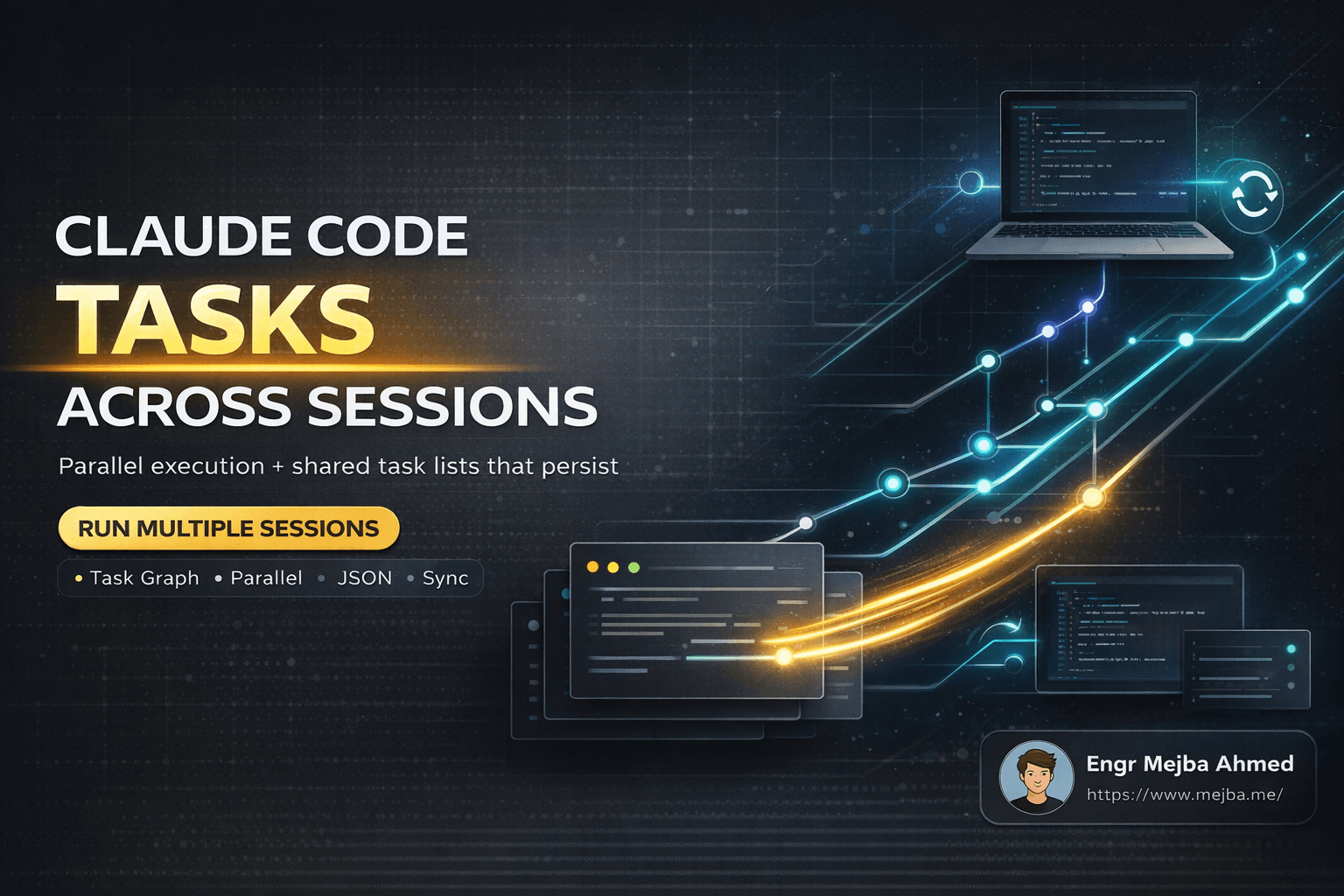
This new task system fixes all of that, and then some. Each task lives as its own JSON file. You can commit them to version control. You can run multiple Claude Code sessions pointing at the same task list. And you can spin up sub-agents that execute tasks in parallel while respecting dependencies. For anyone building serious projects with Claude Code, this changes the game.
The Real Problem with Long-Running AI Sessions
Anyone who's pushed Claude Code through extended development sessions knows the context window trap. Opus 4.5 gave us a massive 200k token context window, which sounds like infinite runway until you're 80% through and notice the outputs getting increasingly vague. The model doesn't crash—it just starts producing what I call "polite nonsense." Technically correct-looking code that misses obvious requirements or ignores what you discussed twenty minutes ago.
I hit this wall constantly on refactoring projects. Start with a clear plan, make solid progress for an hour, then suddenly the AI suggests changes that conflict with decisions we made earlier. The context is still technically there, but the signal-to-noise ratio degrades badly.
The old to-do list helped somewhat. You could track what needed doing, mark things complete, and maintain some structure. But it was essentially a text blob living in your conversation. No persistence across sessions. No way to share state between multiple Claude Code instances. No mechanism for parallel execution.
For smaller tasks, Opus 4.5's improved autonomous runtime meant I often didn't need to-dos at all. The model could hold enough state to work through straightforward features. But for anything substantial—a multi-file refactor, implementing a complex feature with dependencies, or breaking down a large project into manageable pieces—the limitations became obvious fast.
The other issue was coordination. I like running multiple Claude Code sessions simultaneously. One might handle backend changes while another tackles frontend updates. But without shared task state, each session operated in isolation. I'd finish work in one terminal only to discover the other session had made conflicting changes because it had no visibility into what was done elsewhere.
How Claude Code's Task System Actually Works
The core insight behind the new system is simple: treat tasks as first-class objects with their own storage, metadata, and lifecycle. Instead of a flat list embedded in conversation context, each task becomes an individual JSON file containing everything needed to understand and execute it.
A typical task file looks something like this:
{
"id": "task-001",
"subject": "Implement user authentication middleware",
"description": "Create Express middleware that validates JWT tokens and attaches user context to requests",
"status": "pending",
"dependencies": [],
"blockedBy": [],
"blocks": ["task-003", "task-004"],
"createdAt": "2025-01-28T10:30:00Z",
"updatedAt": "2025-01-28T10:30:00Z"
}
Each task has a unique ID, a human-readable subject, and a detailed description. The status field tracks whether it's pending, in-progress, or complete. But the real power comes from the dependency management: blockedBy lists tasks that must complete first, while blocks identifies downstream tasks waiting on this one.
When you convert a plan into tasks, Claude Code automatically identifies these relationships. If task B depends on task A's output, the system knows not to start B until A finishes. This isn't just a visual indication—it actually controls execution order when running parallel sub-agents.
Speaking of sub-agents: this is where things get interesting. When you have multiple independent tasks, Claude Code can spawn sub-agents to handle them simultaneously. Each sub-agent operates autonomously on its assigned task, and the main orchestration layer tracks progress across all of them. Watch the task list in real-time and you'll see multiple items moving to in-progress simultaneously, then completing as each sub-agent finishes its work.
The multi-session capability builds on this foundation. By setting the CLAUDE_CODE_TASK_LIST_ID environment variable, you point any Claude Code instance at a shared task list. Start a session on your laptop, create some tasks, commit them to Git. Open a session on your server, pull the latest, set the same task list ID, and you're immediately working from the same task state. The laptop session marks a task complete, pushes to Git, and the server session can pull and see that update reflected.
This isn't theoretical—I've tested it across multiple machines and it works exactly as described. The JSON file format means standard version control workflows apply. Merge conflicts are rare because tasks tend to be modified independently, but when they do occur, they're easy to resolve since you're dealing with structured JSON rather than opaque binary state.
Setting Up Multi-Session Task Management
Getting started with the task system requires minimal setup, but there are patterns that make it dramatically more effective. Here's how I structure projects for maximum benefit.
First, create a dedicated directory for task files in your project:
mkdir -p .claude/tasks
This keeps task state organized and version-controllable. Add it to your .gitignore if you want tasks local-only, or commit it if you're coordinating across machines or team members.
When starting a new feature or project, I begin by having Claude Code generate a plan file. This is just a markdown document outlining the approach, key decisions, and major work items. From this plan, convert to tasks:
Convert this plan into tasks with proper dependencies
Claude Code analyzes the plan and generates individual task files. Each file captures one atomic piece of work with clear acceptance criteria in the description. Dependencies get mapped automatically—if the plan says "implement API routes, then add frontend calls," the frontend task will have blockedBy pointing to the API task.
For multi-session work, export the task list ID and set it as an environment variable:
export CLAUDE_CODE_TASK_LIST_ID="project-alpha-tasks-2025"
Any Claude Code session started with this variable will read and write to the same task list. This works across terminals on the same machine, across SSH sessions to different servers, anywhere you can run Claude Code with the environment variable set.
The parallel execution happens automatically when you tell Claude Code to work through the task list. It identifies tasks with no blockers, spins up sub-agents for each, and coordinates their execution. You don't need to manually manage concurrency—the system handles it based on the dependency graph you established.
One pattern I've found valuable: use separate terminal panes for monitoring versus working. In one pane, watch the task list with periodic refreshes. In another, let Claude Code execute. This gives you visibility into what's happening across all sub-agents without cluttering your main interaction.
For teams, the Git integration becomes essential. Establish a workflow where task updates get committed and pushed regularly. Before starting a session, pull latest. Before stopping, commit your changes. This keeps everyone synchronized without requiring real-time coordination.
# Start of session
git pull origin main
# During work - Claude Code updates task files automatically
# End of session
git add .claude/tasks/
git commit -m "Update task progress"
git push origin main
Comparing Approaches: Tasks vs. Beads vs. Ralph Wiggum Loop
Before diving too deep into the task system, it's worth understanding how it compares to other orchestration approaches I've used.
Beads uses an SQLite database for task storage, exporting to a single JSONL file for version control. It's a solid system with good persistence characteristics. The database approach means complex queries are possible—filter tasks by status, sort by priority, find all blocked items. The JSONL export keeps version control simple since you're dealing with one file rather than many.
Claude Code's approach differs by using individual JSON files per task. This makes parallel updates easier (no database locking concerns) and integrates more naturally with Git's per-file diff and merge capabilities. The tradeoff is less query flexibility—you're working with filesystem primitives rather than SQL.
Ralph Wiggum Loop takes a completely different philosophy. Instead of explicit task management, it uses a continuous improvement loop driven by a guiding prompt. The system repeatedly evaluates current state against the desired outcome, makes incremental progress, and checks again. Tasks exist implicitly in the prompt rather than as discrete tracked objects.
I still use the Ralph Wiggum Loop for certain workflows, particularly when I want autonomous iteration toward a fuzzy goal rather than explicit task execution. "Make this codebase more maintainable" is a Ralph Wiggum problem. "Implement these five specific features" is a task system problem.
Here's how I think about the choice:
| Scenario | Best Approach |
|---|---|
| Implementing a defined feature list | Claude Code Tasks |
| Continuous codebase improvement | Ralph Wiggum Loop |
| Team coordination with version control | Claude Code Tasks |
| Solo exploration and iteration | Ralph Wiggum Loop |
| Complex dependency chains | Claude Code Tasks |
| Vague "make it better" goals | Ralph Wiggum Loop |
The task system doesn't replace the loop—they solve different problems. Use tasks when you have explicit work items with clear completion criteria. Use the loop when you want autonomous improvement toward a general direction.
Practical Results From Real Projects
I've been running the task system on three substantial projects over the past month. Here's what I've observed.
Project 1: API Refactoring (47 tasks) A large backend service needed restructuring—new authentication layer, consolidated error handling, updated database schemas. I broke this into 47 tasks across four major phases, with dependencies between phases.
Running sequentially would have taken multiple long sessions with degrading context. With parallel sub-agents, independent tasks within each phase executed simultaneously. Total wall-clock time dropped from what I estimated as 8-10 hours of Claude Code interaction to under 4 hours.
More importantly, quality stayed consistent. Each sub-agent worked from the same base context plus its specific task description. No context window degradation because each agent started fresh with focused scope.
Project 2: Multi-Machine Development I set up identical development environments on my laptop and a cloud VM. Task list synced via Git. Started features on the laptop during the day, continued on the VM in the evening, picked up again on the laptop the next morning.
Zero state loss. Zero duplicate work. The task files served as perfect synchronization points. When I started a session, I could see exactly what was done, what was in progress, and what remained.
Project 3: Team Coordination (2 developers) Two of us worked on a frontend application simultaneously. Shared task list, clear ownership markers, dependencies preventing us from stepping on each other's changes.
This required discipline around Git commits—we settled on committing task updates every 30 minutes or after completing any task. Merge conflicts were rare and trivial when they occurred.
The dependency system prevented the classic "I changed the component you were also editing" problem. If someone was working on a task that blocked mine, the system made that explicit. I'd work on unrelated tasks until the blocker cleared.
Current Limitations and What's Missing
The task system isn't perfect. Documentation is sparse—when I first explored this, I found exactly one tweet from the Claude Code team explaining it. The rest came from experimentation and reading the generated JSON files to understand the schema.
There's no visualization tool yet. Beads has a Kanban-style interface for viewing task state. Claude Code tasks are just files. I've been using jq queries and simple scripts to generate status reports, but a proper UI would help significantly for larger projects.
# Quick status overview
for f in .claude/tasks/*.json; do
echo "$(jq -r '.status' $f): $(jq -r '.subject' $f)"
done
The context window limitation hasn't disappeared—it's just been redistributed. Each sub-agent still has the 200k limit. For extremely complex individual tasks, you can still hit degradation. The solution is breaking tasks into smaller chunks, but that requires upfront effort in the planning phase.
Multi-session coordination assumes Git (or similar version control) for synchronization. There's no real-time sync built in. If two sessions modify the same task simultaneously without committing and pulling, you'll have conflicts. The Git workflow handles this gracefully, but it's an extra step to remember.
Despite these gaps, the core system is solid. Community tools are emerging—I've seen several task visualization projects in development. Official documentation will presumably improve as the feature matures. The fundamentals are right; the polish will come.
Getting Started Today
If you're running Claude Code on anything more than trivial projects, the task system is worth adopting immediately. Here's the minimal path to getting started:
- Create a
.claude/tasksdirectory in your project - Ask Claude Code to convert your next feature plan into tasks
- Set
CLAUDE_CODE_TASK_LIST_IDif you want multi-session support - Let Claude Code execute through the task list with parallel sub-agents
- Commit task files alongside code changes
The learning curve is minimal because Claude Code handles most of the complexity. You define work items, it manages execution and dependencies. You track progress through simple file inspection or status queries.
For teams, add task files to version control and establish commit conventions. For solo work across machines, Git synchronization gives you seamless continuity. For complex projects with many moving pieces, the dependency system prevents costly mistakes.
This upgrade transforms Claude Code from a powerful single-session assistant into a genuine project orchestration tool. I wish I'd had it six months ago. Start using it now—your future self will thank you.
Let's Work Together
Looking to build AI systems, automate workflows, or scale your tech infrastructure? I'd love to help.
- Fiverr (custom builds & integrations): fiverr.com/s/EgxYmWD
- Portfolio: mejba.me
- Ramlit Limited (enterprise solutions): ramlit.com
- ColorPark (design & branding): colorpark.io
- xCyberSecurity (security services): xcybersecurity.io