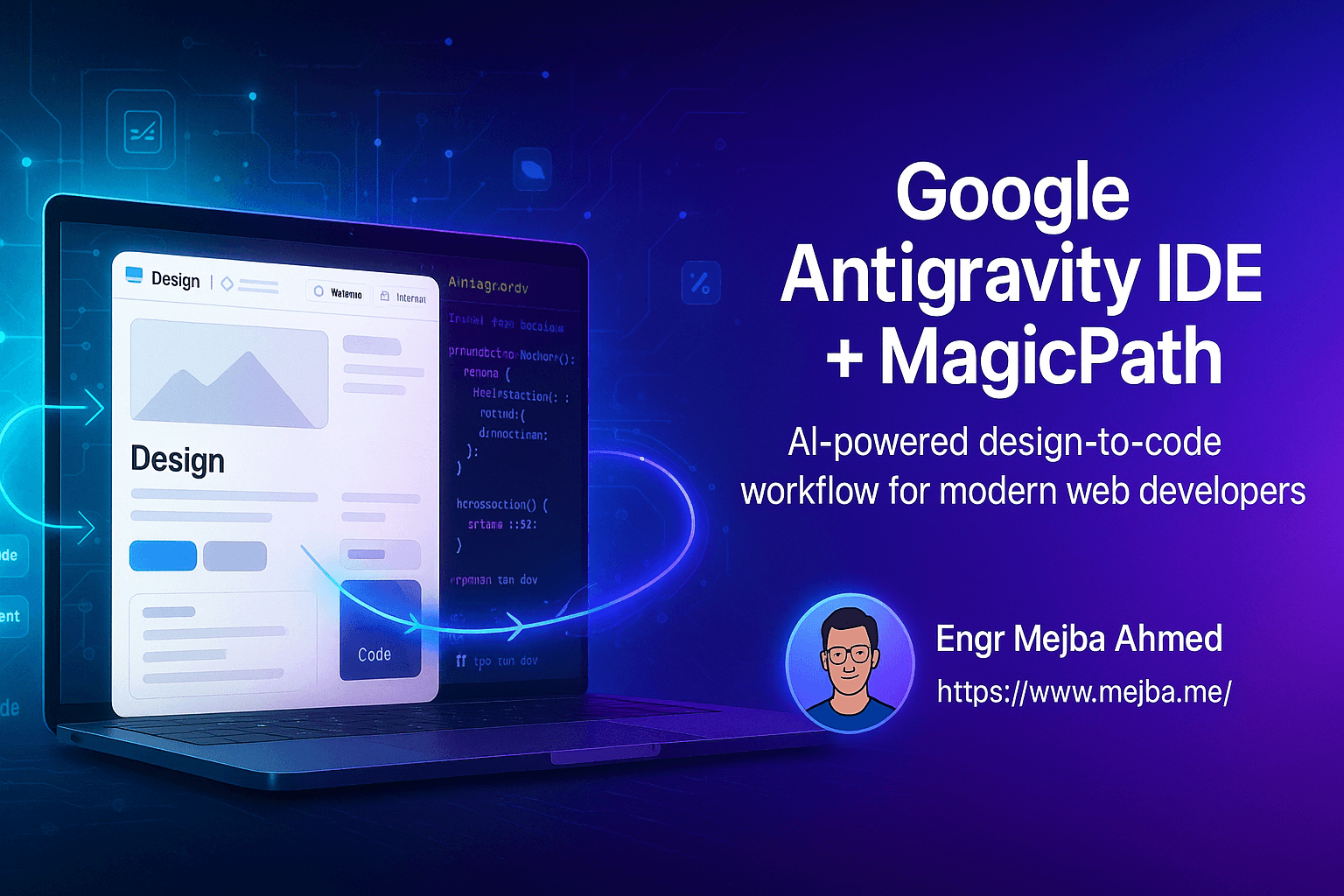
Google Antigravity IDE + MagicPath: The Ultimate AI-Powered Design-to-Code Workflow for Web Developers
"Just generate me a landing page."
I've typed that into more AI tools than I can count. And every time, I get something that looks like it was designed in 2015 by someone who'd never seen a modern website.
Google's new Antigravity IDE promised to change that. An AI-powered development environment that could browse websites, take screenshots, and generate code? Sign me up.
But here's what I discovered after spending real time with it: Antigravity is genuinely impressive for development, but using it alone for design is like trying to paint a masterpiece with a hammer. You can do it, but there's a better way.
That better way involves pairing Antigravity with another AI tool called MagicPath. And the combination? It's the design-to-code workflow I didn't know I was waiting for.
What Google Antigravity Actually Does Well
Let me be clear—Antigravity isn't broken. It's actually doing something I haven't seen before in an IDE.
The AI agent inside Antigravity can interact with Chrome directly. Not just "open a URL" but actually scroll pages, capture screenshots, and record videos of what it's doing. When you're debugging a front-end issue, watching the AI navigate to your localhost, scroll to the problematic component, and screenshot it for reference is surprisingly useful.
The interface itself is clean:
- File explorer on the left
- Terminal panel for running commands
- An agent manager for starting AI-driven conversations
You can ask it to scaffold a project, install dependencies, run your dev server—all the things you'd expect. The terminal integration is solid, and having an AI that understands your codebase while also being able to see what's rendering in the browser creates a tight feedback loop.
But then I asked it to generate a personal blog landing page.
The Design Gap
What came back was... functional. Technically a landing page. Technically had the sections I asked for.
It also looked like a bootstrap template from 2016.
Multiple iterations later, I still couldn't get Antigravity to produce something I'd actually want to deploy. The built-in design generation treats visual polish as an afterthought. It's focused on structure and code correctness, not on making things look good.
And look, that's fair. Antigravity is an IDE, not Figma. Expecting it to match dedicated design tools was probably asking too much.
But the gap between "works" and "looks professional" matters when you're building real products. Nobody wants to ship something that screams "AI made this."
That's when I found MagicPath.
MagicPath: Design-First AI That Actually Gets Aesthetics
MagicPath approaches the problem from the opposite direction. Instead of trying to bolt design capabilities onto a code editor, it starts with visual design and generates code from there.
The features that made me stop scrolling:
Live website component import. There's a Chrome extension that lets you select any element on any website—a navbar from Wired, a hero section from Stripe, whatever—and paste it directly into MagicPath. The AI analyzes the component and generates equivalent code you can customize.
Sketch-to-code conversion. Draw rough shapes and text on a canvas, and MagicPath turns them into styled components. Not perfect, but genuinely useful for rapid prototyping.
Theme management that doesn't suck. Import themes from sources like Tailwind presets, toggle between light and dark modes, and actually see consistent styling across components. This alone saved me hours of CSS fiddling.
Variant generation. Need five different versions of a form? Ask for them. The AI generates multiple design options so you can pick what fits.
I built a company advertising application form in MagicPath. Asked it to generate the form, adjusted the padding and flex direction interactively, applied a custom theme, and had something I'd actually use in production within minutes.
The Workflow That Finally Clicked
Here's what I learned: these tools aren't competitors. They're complementary.
Start in MagicPath. Do all your visual design work there. Build components, import inspiration from live websites, mess with themes until the aesthetics feel right. MagicPath's AI handles styling significantly better than Antigravity's.
Export and open in Antigravity. MagicPath exports clean project files. In Antigravity, run your standard setup:
npm install
yarn dev
Your project launches on localhost with everything intact.
Use Antigravity for development work. Once the design is solid, Antigravity shines. Editing logic, connecting APIs, debugging with visual feedback from the browser—this is what it was built for.
Let Antigravity handle deployment. The terminal integration and AI-assisted coding make final assembly and deployment straightforward.
I tested this with a typography consistency update. Asked both tools to analyze and standardize fonts across a project.
Antigravity generated an implementation plan that included:
- Analyzing current typography setup
- Defining a typography design system
- Updating global styles
- Refactoring components
- Verifying consistency
Thorough. Professional. The result looked worse than before.
The same request in MagicPath? Clean, consistent fonts and layout. Better visual hierarchy. Actually improved the design.
Same task, dramatically different outcomes.
Practical Component Integration
The real power shows up when you're mixing components from different sources.
Say you need to replace a hero section with something more complex. In MagicPath, you can grab a "summary collage" component, adjust width, height, padding, and flex direction interactively, then drop it exactly where you need it.
Want to add an audio player to detail pages? Pull in a component, resize it, style it to match your theme. The visual editing makes this fast.
Then export everything to Antigravity for the coding work—wiring up state, connecting to backends, adding interactivity that goes beyond CSS.
Which Tool, When?
| Situation | Use This |
|---|---|
| Initial visual design | MagicPath |
| Importing components from live websites | MagicPath |
| Sketch-to-code prototyping | MagicPath |
| Theme creation and management | MagicPath |
| Typography and styling consistency | MagicPath |
| Codebase navigation and editing | Antigravity |
| Terminal operations and dependencies | Antigravity |
| Browser debugging with screenshots | Antigravity |
| Final assembly and deployment | Antigravity |
| AI-assisted code refactoring | Antigravity |
The Honest Assessment
Neither tool is perfect.
Antigravity's design generation needs work. If you're hoping to skip the design phase and have AI produce polished visuals, you'll be disappointed.
MagicPath's learning curve is steeper than it looks. The component import feature is powerful but can be overwhelming. And the Chrome extension adds another piece to your toolchain.
But together? They cover each other's weaknesses.
MagicPath handles the visual heavy lifting where Antigravity falls short. Antigravity provides the development environment and coding assistance that MagicPath doesn't attempt.
What This Means for Your Workflow
The lesson here isn't "use these specific tools." It's about matching tools to their strengths instead of forcing one tool to do everything.
AI-powered development is still finding its footing. Some tools are better at code generation. Some are better at visual design. Some are better at understanding your existing codebase.
The developers who'll move fastest are the ones who learn which tool to reach for at each stage of the process. Design in tools optimized for design. Code in environments built for coding.
Antigravity and MagicPath happen to pair well together right now. That might change. But the principle—meet each task with the right tool—won't.
The combination of AI design and AI development isn't replacing the need for developer judgment. It's amplifying what you can accomplish when you know which hammer to use for which nail.
And sometimes, the right move is putting down the hammer entirely and picking up a paintbrush.
🤝 Hire / Work with me:
- 🔗 Fiverr (custom builds, integrations, performance): fiverr.com/s/EgxYmWD
- 🌐 Mejba Personal Portfolio: mejba.me
- 🏢 Ramlit Limited: ramlit.com
- 🎨 ColorPark Creative Agency: colorpark.io
- 🛡 xCyberSecurity Global Services: xcybersecurity.io