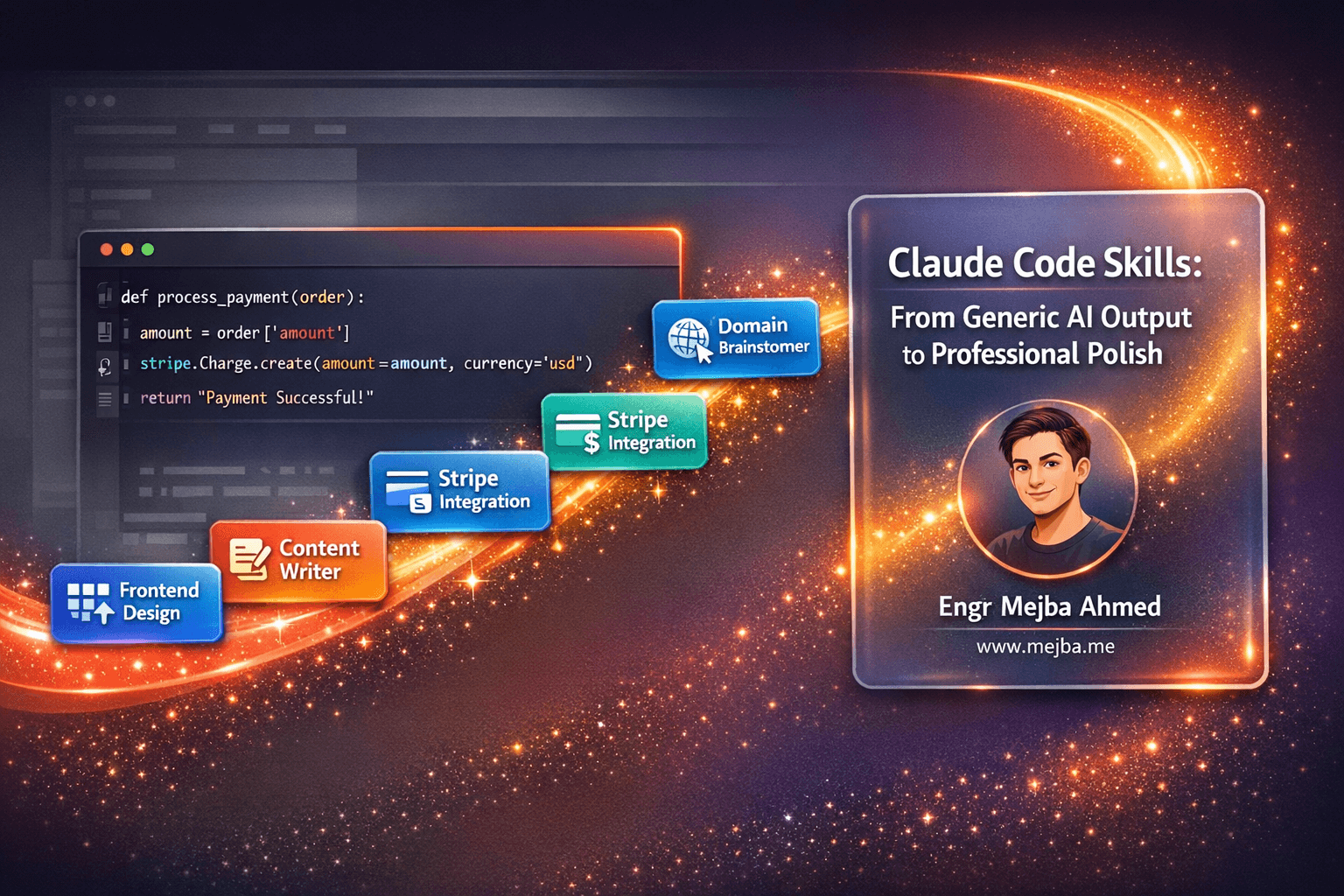
6 Claude Code Skills That Transform AI Coding From Generic Mess to Professional Polish
You've been using Claude Code wrong. Not completely wrong—it still works. But you're leaving 80% of its power on the table, and that's costing you hours every single week.
Here's what I mean: You fire up Claude Code, describe your app, and watch it generate... something. It functions. It runs. But the UI looks like every other AI-generated interface you've seen. The code structure is inconsistent. And when you ask it to integrate Stripe payments, you spend the next three hours debugging webhook configurations that should have worked the first time.
Sound familiar?
I've been there. After months of building apps with AI coding assistants—testing everything from Cursor to GitHub Copilot to Windsurf—I discovered something that completely changed my workflow. It's called Claude Skills, and most developers don't even know they exist.
This isn't another "10 prompts to improve your AI coding" article. What I'm about to share transforms Claude Code from a helpful generalist into a laser-focused specialist that produces consistent, professional-grade results every single time.
The Real Problem Nobody Talks About
Let's be honest about what's happening in the AI coding space right now.
Everyone's excited about "vibe coding"—describing what you want and letting AI build it. And it works... kind of. The barrier to entry for building software has never been lower. People with zero coding experience are launching apps. That's genuinely amazing.
But there's a dirty secret: most of these apps look and feel identical.
Open any AI-generated dashboard right now. You'll see the same shadcn components, the same color schemes, the same generic layouts. Nothing stands out. Nothing feels crafted. It's functional mediocrity at scale.
The problem isn't the AI. The problem is how we're using it.
Claude Code, like most AI coding assistants, is a generalist. It knows a little about everything. When you ask it to build a payment system, it pulls from general knowledge about Stripe. When you ask for a beautiful UI, it defaults to safe, generic patterns.
This is where Claude Skills change everything.
What Are Claude Skills (And Why Should You Care)?
Think of Claude Skills as specialized training modules that transform Claude from a jack-of-all-trades into a master of specific domains.
Here's the technical breakdown: Skills are structured folders containing markdown files with carefully crafted prompts and instructions. When you install a skill, Claude Code can access this specialized knowledge whenever you need it.
But here's what makes Skills fundamentally different from Claude Rules:
Claude Rules load with every single prompt. You set them once, and they apply to everything. This sounds convenient until you realize it's incredibly memory-inefficient. Your AI assistant is constantly carrying around context it doesn't need.
Claude Skills only load when relevant. They activate based on the context of your specific request. Need to design a UI? The frontend design skill kicks in. Working on payment integration? The Stripe skill takes over. Otherwise, they stay dormant, keeping your token usage efficient.
This isn't just a technical detail—it directly impacts the quality of responses you get. A focused, context-aware AI produces dramatically better output than one trying to juggle dozens of general rules simultaneously.
The Six Skills That Actually Matter
After testing dozens of Claude Skills, six consistently deliver results that justify their existence. These aren't nice-to-haves—they're the difference between shipping professional apps and shipping projects that feel like AI experiments.
Skill #1: Frontend Design Skill (The Game Changer)
🔗 Get it here: Frontend Design Skill on X
Let me paint a picture of the before and after.
Before this skill: You ask Claude Code to build a dashboard. You get something that works. The components render. The data displays. But it looks... generic. Like every other AI-generated interface. The spacing feels off. The typography is bland. There's no visual hierarchy that guides the user's eye.
After installing the Frontend Design Skill: Same request, completely different result. The interface has personality. Components feel intentionally designed rather than randomly assembled. Shadows, borders, and spacing create visual rhythm. It looks like something a professional designer shipped—not something an AI generated in 30 seconds.
What's happening under the hood? The skill contains detailed instructions about modern design principles, component relationships, visual hierarchy, and aesthetic consistency. Instead of Claude's generic pattern-matching, you get informed design decisions.
This single skill has saved me more time than all the others combined. I no longer iterate through dozens of prompts trying to make UIs look professional. They just... are.
When to use it: Every time you're creating or redesigning any user-facing component. Seriously, every time.
Skill #2: Domain Name Brainstormer (Hours Saved Instantly)
🔗 Get it here: Domain Name Brainstormer on SkillsMP
Domain hunting is one of those tasks that feels quick until you actually track how much time it consumes.
You have an app idea. You need a name. So you start brainstorming. Then you check if it's available. It's not. You brainstorm more. Check again. Taken. You try variations. Add a prefix. Remove a vowel. Three hours later, you've checked 47 domains and you're considering just using your-app-name-2024.io out of frustration.
The Domain Name Brainstormer skill eliminates this entirely.
Describe your project, and it generates creative, relevant domain suggestions. But here's the killer feature: it checks availability across multiple extensions (.com, .io, .dev, .ai, .co) in real-time. No switching between tabs. No manual verification.
In minutes, you have a curated list of available options that actually fit your project.
This seems like a small optimization until you experience it. Those three hours you would have spent domain hunting? Now you're building features instead.
Skill #3: Stripe Integration Skill (Stop Debugging Payments)
🔗 Get it here: Stripe Integration Skill on SkillsMP
If you've ever integrated Stripe manually, you know the pain.
The documentation is comprehensive—maybe too comprehensive. There are dozens of ways to implement payments, subscriptions, webhooks, and customer management. Pick the wrong approach, and you'll spend days untangling your mistake.
AI coding assistants make this worse in a subtle way. They know enough about Stripe to generate code that looks right but fails in production. Webhook signatures don't verify. Subscription state gets out of sync. Edge cases crash your payment flow.
The Stripe Integration Skill solves this by encoding best practices directly into Claude's instructions. It knows the correct way to set up payment flows. It handles webhook configuration properly. It implements subscription management that actually works.
I used to budget an extra day for every project that needed payments. Now Stripe integration takes an hour, and it works the first time.
When to use it: Any project that touches money. Don't even attempt payment integration without this skill installed.
Skill #4: Content Research Writer (Your Marketing Department)
🔗 Get it here: Content Research Writer on GitHub
Here's an uncomfortable truth: building the app is only half the battle.
You can create the most elegant, feature-rich application ever developed. If nobody knows about it, it fails. Marketing matters. Content matters. But most developers (myself included) would rather write code than write blog posts.
The Content Research Writer skill doesn't just generate content—it generates content that sounds like you.
Give it samples of your previous writing. Describe your tone. Then ask it to create blog posts, newsletters, or social media content about your app. The output actually matches your voice instead of sounding like generic AI-generated marketing speak.
Even better: it conducts online research and includes proper citations. Your content comes with credibility built in.
I've used this skill to generate launch content, documentation, and email sequences. The quality difference compared to raw ChatGPT or Claude output is significant enough that I've stopped manually writing first drafts entirely.
Skill #5: Lead Research Assistant (Sales on Autopilot)
🔗 Get it here: Lead Research Assistant on GitHub
This skill surprised me the most.
I expected it to be useful for finding potential customers. What I didn't expect was how thorough and intelligent the research would be.
Tell the Lead Research Assistant about your app—what it does, who it helps, what problems it solves. Then let it work.
It returns a prioritized list of companies that match your ideal customer profile. But it doesn't stop at company names. You get:
- Company size and industry
- Recent funding rounds
- Technology stack (when available)
- Key decision makers with contact information
- Personalized outreach scripts based on each company's specific situation
This is the kind of research that would take a sales team days to compile manually. The skill produces it in minutes.
Whether you're a solo developer trying to land your first enterprise customer or a sales team looking to scale outreach, this skill compresses weeks of work into hours.
Skill #6: Skill Creator (Build Your Own)
🔗 Get it here: Skill Creator on GitHub
The most powerful skill isn't actually a skill for a specific task—it's a skill that teaches you to build more skills.
The Skill Creator guides you through identifying repetitive workflows in your own process and converting them into reusable Claude Skills.
Think about the tasks you do repeatedly. Database migrations. API documentation. Code reviews. Test generation. Any workflow you've done more than five times is a candidate for a custom skill.
The Skill Creator doesn't just explain the concept—it walks you through the actual process of structuring your skill folder, writing effective prompts, and testing your results.
Once you start building custom skills, you stop thinking of Claude as a tool and start thinking of it as an extensible system that adapts to your specific needs.
The Compound Effect: Why This Matters More Than You Think
Here's what happens when you stack multiple skills together:
Day 1: You use the Domain Name Brainstormer to find your app name. Ten minutes instead of three hours.
Day 2: You build your interface with the Frontend Design Skill. Professional UI on the first attempt instead of the fifth iteration.
Day 3: You integrate payments with the Stripe Skill. Working checkout in an hour instead of a day of debugging.
Day 4: You generate launch content with the Content Research Writer. Blog post, social announcements, and email sequences done before lunch.
Day 5: You identify your first customers with the Lead Research Assistant. Twenty qualified leads with personalized outreach scripts.
You just compressed two weeks of work into five days. And the quality is higher than what you would have produced manually, because each skill encodes best practices you might have missed.
This is the compound effect of specialized AI. Each skill saves time independently, but together they transform your entire development workflow.
How to Actually Install and Use Claude Skills
Getting started is simpler than you might expect.
Every Claude Skill is a folder containing markdown files. To install a skill:
- Create a
/skillsdirectory in your Claude Code project - Download or copy the skill folder into that directory
- That's it. Claude Code automatically detects and uses skills based on context
You don't need to explicitly call skills in your prompts. Claude recognizes when a skill is relevant and applies it automatically. Ask about domain names, and the Domain Brainstormer activates. Start designing a UI, and the Frontend Design Skill kicks in.
The best skills available right now are being shared in communities like GitHub and the Claude Code Discord. The specific skills mentioned in this post can be found in public repositories—a quick search will surface them.
What About Cursor, GitHub Copilot, and Other AI Coding Tools?
Fair question. If you're already invested in another AI coding workflow, is it worth switching?
Here's my honest take after using all the major options:
Cursor is excellent for code completion and inline suggestions. It shines when you're editing existing files and need context-aware autocomplete.
GitHub Copilot integrates seamlessly with VS Code and handles routine coding tasks well. The chat features have improved significantly.
Claude Code with Skills occupies a different niche entirely. It's less about moment-to-moment code completion and more about executing complex, multi-step workflows with consistent quality.
The Skills system is unique to Claude. You can't replicate this capability in Cursor or Copilot without significant prompt engineering for every single task.
My current workflow: Copilot for routine code completion, Claude Code with Skills for anything involving design, integration, or multi-step workflows.
Start With These Three
If you're convinced and ready to try Claude Skills, here's my recommendation for getting started:
-
Frontend Design Skill - Install this first. The improvement in UI quality is immediately visible and applies to almost every project.
-
Stripe Integration Skill - Install before your next project that needs payments. You'll appreciate it when checkout works on the first deploy.
-
Skill Creator - Install this when you're ready to level up. Identify one repetitive workflow in your process and build a skill for it.
The other skills (Domain Brainstormer, Content Research Writer, Lead Research Assistant) are valuable but situational. Add them when you have a specific need.
The Bigger Picture
We're still in the early days of AI-assisted development. The tools are improving rapidly. What feels cutting-edge today will be standard practice in eighteen months.
But here's what won't change: the developers who learn to specialize their AI tools will consistently outperform those using generic configurations.
Claude Skills represent one version of this future—structured, shareable, specialized AI configurations that encode expert knowledge. Whether you use these specific skills or build your own, the principle matters: stop treating AI coding assistants as generic tools and start treating them as extensible systems.
The difference in output quality is too significant to ignore.
Your apps don't have to look like AI generated them. Your integrations don't have to break in production. Your marketing content doesn't have to sound robotic.
The tools exist. Now you know how to use them.
Quick Reference: All Skill Links
| Skill | Description | Link |
|---|---|---|
| Frontend Design | Build WAY better UI with Claude Code | Get on X |
| Domain Brainstormer | Find available domain names automatically | Get on SkillsMP |
| Stripe Integration | Payments that work the first time | Get on SkillsMP |
| Content Research Writer | Voice-matched content with citations | Get on GitHub |
| Lead Research Assistant | Find and prioritize target customers | Get on GitHub |
| Skill Creator | Build your own custom skills | Get on GitHub |
Bonus Resource: ComposioHQ Awesome Claude Skills Repository — A growing collection of community-built skills.
🤝 Hire / Work with me:
- 🔗 Fiverr (custom builds, integrations, performance): fiverr.com/s/EgxYmWD
- 🌐 Mejba Personal Portfolio: mejba.me
- 🏢 Ramlit Limited: ramlit.com
- 🎨 ColorPark Creative Agency: colorpark.io
- 🛡 xCyberSecurity Global Services: xcybersecurity.io