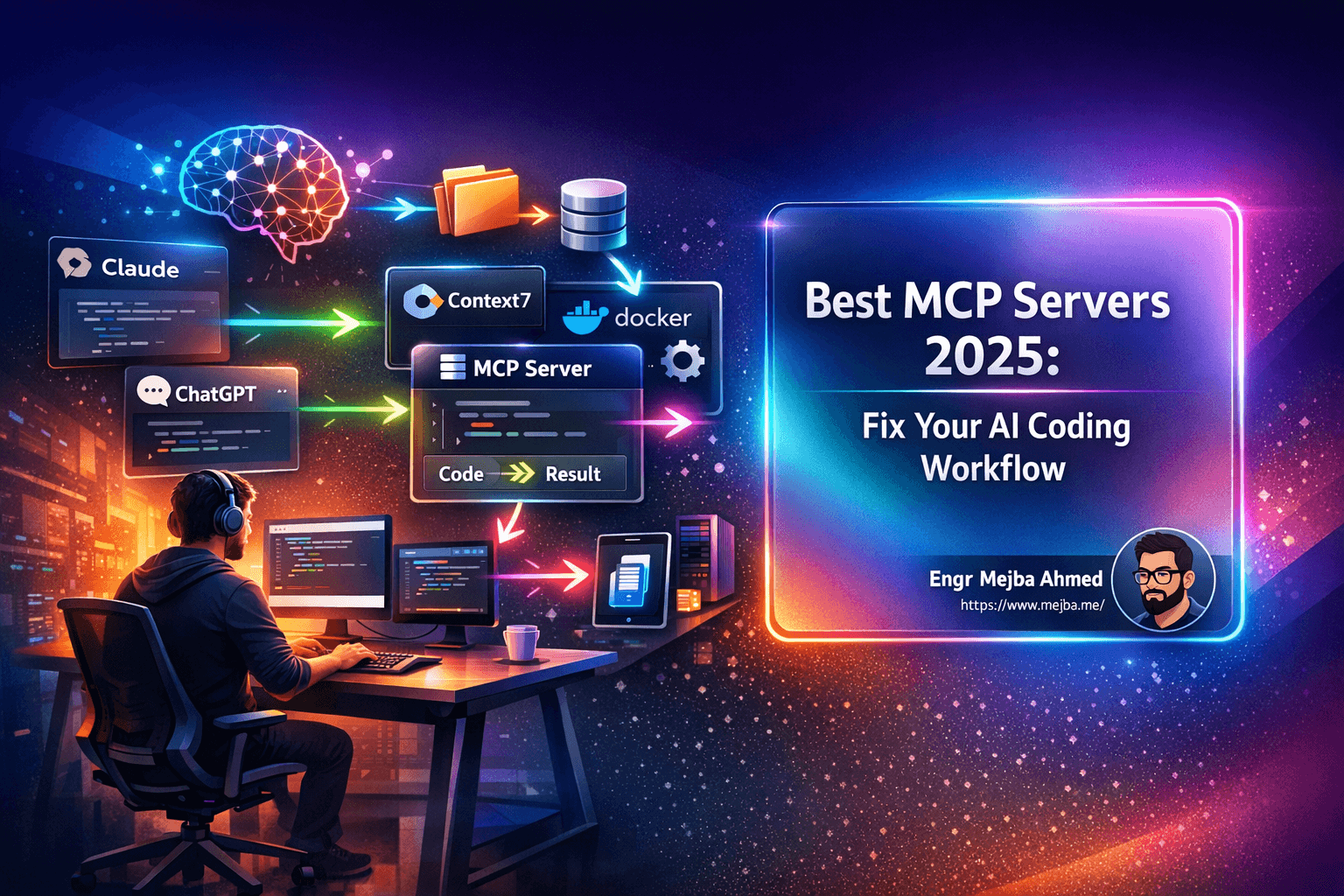
Best MCP Servers 2025: 6 Tools That Fixed My AI Coding Workflow (Finally)
"Just use AI to build it faster."
I must have heard that phrase a hundred times in the last year. And every time, I'd nod along while secretly thinking about the three hours I'd just wasted debugging code that Claude confidently generated using a deprecated API from 2022.
Here's the thing nobody talks about when they're hyping up AI-assisted development: the tools are only as good as the context you give them. Feed an AI assistant outdated documentation, bloated context windows, and disconnected workflows, and you'll spend more time fixing its mistakes than you would have just writing the code yourself.
But 2025 changed that. Not because AI models got smarter (though they did), but because the ecosystem around them finally matured. The Model Context Protocol, or MCP, went from an interesting experiment Anthropic released in late 2024 to the backbone of how serious developers actually build with AI.
I've been testing MCP servers obsessively for the past several months. Most are forgettable. Some are actively harmful to your workflow. But six of them fundamentally changed how I ship code. These aren't theoretical improvements—they're the difference between AI assistance that actually assists and AI assistance that creates more work than it saves.
Let me show you what's actually working.
The Real Problems MCP Servers Solve
Before we dive into specific tools, let's talk about why you probably need them in the first place.
AI hallucinating outdated code. This is the big one. You ask Claude or GPT to help you implement something with Next.js 15, and it confidently writes code using patterns from Next.js 12. The syntax looks right. The logic seems reasonable. And you don't realize anything's wrong until you've already built three features on top of broken foundations. I've lost entire afternoons to this.
Context window bloat. Load up a dozen MCP servers because they all seem useful, and suddenly your AI assistant is drowning in tool definitions. It gets confused. It picks the wrong tools. Or worse, it ignores the tools entirely and hallucinates solutions that don't leverage any of the integrations you carefully set up.
Manual database drudgery. Every time I start a new project, I tell myself I'll finally set up the database schema properly from the start. And every time, I end up writing SQL migrations at 2 AM because I forgot a foreign key constraint. This isn't the hard part of building software. It's just the tedious part.
Disconnected workflows. My ideas live in Notion. My code lives in VS Code or the terminal. My infrastructure lives in various cloud consoles. Getting an AI to help me work across these boundaries used to mean copying and pasting context constantly. It was like having an assistant with amnesia who forgot everything the moment you switched tabs.
UI component chaos. Ask an AI to use Shadcn components without proper context, and you'll get code that looks plausible but doesn't actually match how Shadcn works. Wrong imports, missing dependencies, components that don't exist in the version you're using. The hallucination problem, but for frontend.
These aren't edge cases. These are the daily frustrations that make AI-assisted development feel more like babysitting than collaborating.
The MCP servers I'm about to show you solve each of these problems. Not perfectly—nothing's perfect—but well enough that my workflow actually improved instead of just feeling different.
Context7 MCP: The Documentation Problem, Actually Solved
Let's start with the one that made me stop wanting to throw my laptop out the window.
Context7 does something deceptively simple: it gives AI coding assistants access to accurate, version-specific documentation. Not cached documentation from whenever the model was trained. Not search results that might be relevant. Actual documentation for the exact library version you're using, delivered through semantic search on a vector database.
Here's why this matters. When you ask an AI to help you implement something with, say, React Query, it doesn't just have "React Query knowledge" from its training data. It queries Context7's documentation database, finds the relevant sections for your specific use case, and returns precisely the snippets your AI needs to generate correct code.
No more useQuery with four positional arguments when the current version uses an options object. No more deprecated lifecycle methods. No more "this worked six months ago" solutions.
Setting it up is straightforward. Sign up, get an API key, add it to your MCP configuration. They have a free tier for open-source libraries, which covers most of what you'll need.
The honest assessment: Context7 isn't magic. It works best for well-documented libraries with clear API references. If you're using some obscure package with sparse docs, the semantic search won't find much because there isn't much to find. But for the mainstream libraries that make up 90% of most projects? It's genuinely excellent.
There's a competitor worth mentioning here: Ref MCP. It combines Context7-style documentation search with web search and code search capabilities. More features, but also more complexity and limited free credits. I tried both extensively. Context7 wins for pure documentation lookup because it does one thing and does it well. If you need the additional search capabilities, Ref is worth exploring, but I'd start with Context7.
Docker MCP: Why Context Windows Were Breaking Everything
This is the one that made me realize I'd been thinking about MCP servers completely wrong.
Before Docker MCP, my approach was simple: install every MCP server that seemed potentially useful. Documentation? Installed. Database management? Installed. File system access? Installed. Code search? Installed. Fourteen different MCPs, each adding their tool definitions to my context window.
The result was a disaster. My AI assistant would get confused about which tool to use. Sometimes it would ignore available tools entirely and hallucinate solutions. The context window was so bloated with tool definitions that there wasn't much room left for actual context about my code.
Docker MCP fixes this with a brilliant architectural decision: it acts as a bridge between all your other MCP servers and your AI. Instead of loading every tool from every MCP into your context window, Docker MCP maintains a catalog and loads only the specific tools needed for each query.
Think about that for a second. You can have dozens of MCP servers installed, but your AI only sees one or two tools at a time—the ones actually relevant to what you're asking. Everything runs in a sandboxed Docker environment, so there's security isolation too.
The technical approach here predates what Cloudflare later proposed with their "Code Mode" solution. Docker MCP was doing dynamic tool loading before it was cool. It can even chain tools together, using JavaScript to orchestrate calls across multiple MCP servers without each one needing to be loaded into your context.
Setting it up requires Docker (obviously) and a bit of configuration, but once it's running, you mostly forget it's there. Which is the point.
The honest assessment: Docker MCP has a learning curve. The configuration isn't as simple as single-purpose MCP servers. And if you're only using two or three MCPs, the overhead probably isn't worth it. But if you're like me and want access to a broad toolkit without drowning in context, this is the solution I've found that actually works.
Shadcn Registry MCP: Finally, UI Components That Actually Work
I build a lot of web apps. Like, probably too many. And for the past couple years, Shadcn has been my go-to component library because it gives you actual components you own, not a dependency that can break.
The problem? AI assistants don't know how Shadcn works. They'll generate import statements for components that don't exist. They'll miss that Shadcn components need to be installed individually. They'll use the wrong variant names or forget about required peer dependencies.
Shadcn Registry MCP solves this by giving your AI direct access to the component registry. It knows which components are available, how to install them, what their props are, and how they're meant to be used.
But here's what really sold me: it's not limited to the main Shadcn registry. You can connect it to alternative registries like Aceternity UI, Magic UI, and others. One MCP, multiple component sources.
Installation is a single CLI command, plus editing your components.json to add any additional registries you want.
The workflow improvement: I can now ask Claude to build me a card component with specific styling, and it actually installs the Shadcn card component, uses the correct imports, and applies variants that exist. No more "close but not quite" code that takes longer to fix than to write from scratch.
The honest assessment: This only helps if you're actually using Shadcn or compatible component libraries. If your project uses Material UI, Chakra, or something custom, this MCP won't help you. But if you're in the Shadcn ecosystem, it's essential.
Google Cloud MCPs: Enterprise-Grade Integration Done Right
When Google launched their managed MCP servers alongside the Gemini 3 release, I was skeptical. Big company MCP implementations usually mean over-engineered solutions that work great in demos and terribly in practice.
I was wrong.
Google actually shipped a comprehensive MCP ecosystem that solves real problems. Let me break down the ones I've actually used:
Google Maps MCP gives your AI access to location-based grounding with real-time data. Building something that needs accurate location information? This isn't "search the web for directions"—it's actual Google Maps API integration through your AI assistant.
BigQuery MCP lets AI agents query your enterprise data without exposing sensitive information in the context window. This is huge for companies with substantial data warehouses. Your AI can answer questions about your data by writing and executing queries, without the raw data ever touching the AI's context.
Google Compute MCP handles cloud infrastructure management. I've used it for Kubernetes operations that would normally require me to context-switch to a terminal and remember kubectl syntax I've forgotten three times.
Firebase MCP is the one I use most. If your project uses Firebase for backend services, this integration is genuinely seamless. Authentication flows, Firestore queries, cloud functions—all accessible to your AI assistant with proper context about your specific project setup.
Google also open-sourced MCPs for Workspace, Analytics, Flutter, and more. They're on GitHub if you want to explore.
The honest assessment: These are enterprise tools priced and designed for enterprise use cases. If you're building hobby projects, the free tiers might be limiting. But if you're working with Google Cloud professionally, the integration quality is substantially better than cobbling together third-party solutions.
Notion MCP: My Content Workflow Finally Makes Sense
I run a YouTube channel. I write blog posts. I manage multiple projects with different deadlines, ideas at various stages, and content in various states of completion.
All of it lives in Notion. Which meant that any time I wanted AI help with content planning, project management, or workflow optimization, I had to copy relevant pages into my AI's context, wait for it to process everything, then manually update Notion with whatever it suggested.
Notion MCP eliminates that entirely.
Single command installation. One-time authentication. Then your AI can search your workspace, fetch specific pages, create new content, update existing pages, and manage your Notion setup as naturally as it manages files.
My actual workflow now: I tell Claude what video I'm planning, it checks my Notion content pipeline for related ideas, suggests how this fits into my publishing schedule, and creates a new page with the outline—all without me leaving the conversation.
The honest assessment: This requires you to actually organize your Notion workspace sensibly. If your Notion is a disaster (no judgment, we've all been there), giving AI access won't magically fix that. Garbage in, garbage out. But if you have even a moderately organized system, the productivity gain is real.
Alternative worth mentioning: If you use Obsidian instead of Notion, there's an Obsidian MCP with similar functionality. I haven't tested it as extensively, but the architecture is comparable.
Supabase MCP: Backend Work I Actually Don't Mind Anymore
I saved this one for last because it's the one that's changed my workflow the most dramatically.
Supabase has been my backend of choice for a while now. PostgreSQL under the hood, excellent SDK, generous free tier, real-time subscriptions that actually work. But every Supabase project still meant writing database schemas, crafting SQL migrations, setting up row-level security policies, and configuring environment variables across different deployment targets.
Not hard work. Just tedious work that pulls you out of the creative flow of actually building features.
Supabase MCP turns all of that into natural language prompts.
"Create a users table with email, name, and created_at timestamp. Add an posts table with a foreign key to users. Set up RLS so users can only read their own posts."
Done. Schema created. Migrations generated. Policies applied.
"Show me the cost analysis for this project and suggest optimizations."
Done. Usage breakdown, projected costs, specific recommendations.
This isn't just autocomplete for SQL. The MCP understands Supabase's specific features—edge functions, storage buckets, auth providers—and can configure them correctly. It handles the environment setup for local development versus production. It can even manage multiple Supabase projects if you're working across different applications.
Setting it up requires authentication with your Supabase account, but once connected, every tool becomes available immediately.
The honest assessment: If you're using a different backend solution—PlanetScale, Neon, Railway, whatever—this doesn't help you. And if you have complex database requirements that need careful human oversight, you shouldn't blindly trust AI-generated schemas. But for the 80% of backend work that's standard CRUD setup? This saves hours per project.
What Actually Changed
Here's what my workflow looks like now versus six months ago.
Before: Ask AI for help. Get code with outdated patterns. Debug for an hour. Give up and Google it. Copy-paste from Stack Overflow. Repeat.
After: Ask AI for help. Context7 provides accurate documentation. Docker MCP routes to the right tools without bloating my context. Code actually works on the first try. Usually.
Before: Start new project. Spend two hours setting up database schema. Another hour on Supabase configuration. Finally start building features.
After: Start new project. Describe what I need in plain English. Supabase MCP handles the setup. Start building features in twenty minutes.
Before: Content planning means switching between Notion, my AI assistant, and various browsers tabs. Constant context-switching. Losing ideas because they don't make it from one tool to another.
After: Everything happens in one conversation. Notion MCP keeps my AI connected to my actual workflows. Ideas flow from conception to organized documentation without friction.
I'm not claiming this setup is perfect. MCPs occasionally fail. Sometimes the semantic search doesn't find what I need. The Docker MCP bridge adds latency that's noticeable on slower connections. Google's enterprise MCPs can feel overkill for smaller projects.
But the direction is clear. AI development in 2025 isn't about smarter models doing more magic. It's about better integrations that give those models the context they need to actually help.
The MCP ecosystem is still young. New servers ship weekly. Some will be essential, most will be forgettable. But the six I've covered here—Context7, Docker MCP, Shadcn Registry, Google Cloud MCPs, Notion MCP, and Supabase MCP—have crossed the threshold from "interesting experiment" to "I can't imagine working without them."
Your mileage may vary. Your tech stack isn't mine. But if you're finding that AI-assisted development feels more frustrating than productive, the problem probably isn't the AI.
It's the context.
Fix the context, and the AI actually delivers on the promise.
🤝 Hire / Work with me:
- 🔗 Fiverr (custom builds, integrations, performance): fiverr.com/s/EgxYmWD
- 🌐 Mejba Personal Portfolio: mejba.me
- 🏢 Ramlit Limited: ramlit.com
- 🎨 ColorPark Creative Agency: colorpark.io
- 🛡 xCyberSecurity Global Services: xcybersecurity.io